
How to download multiple files from Google Drive

Sometimes you may need to download multiple files from Google Drive. Downloading these file individually can be a time consuming and unnecessary pursuit. It does not have to be that way! With Google Drive, it is possible to download multiple files at once. 
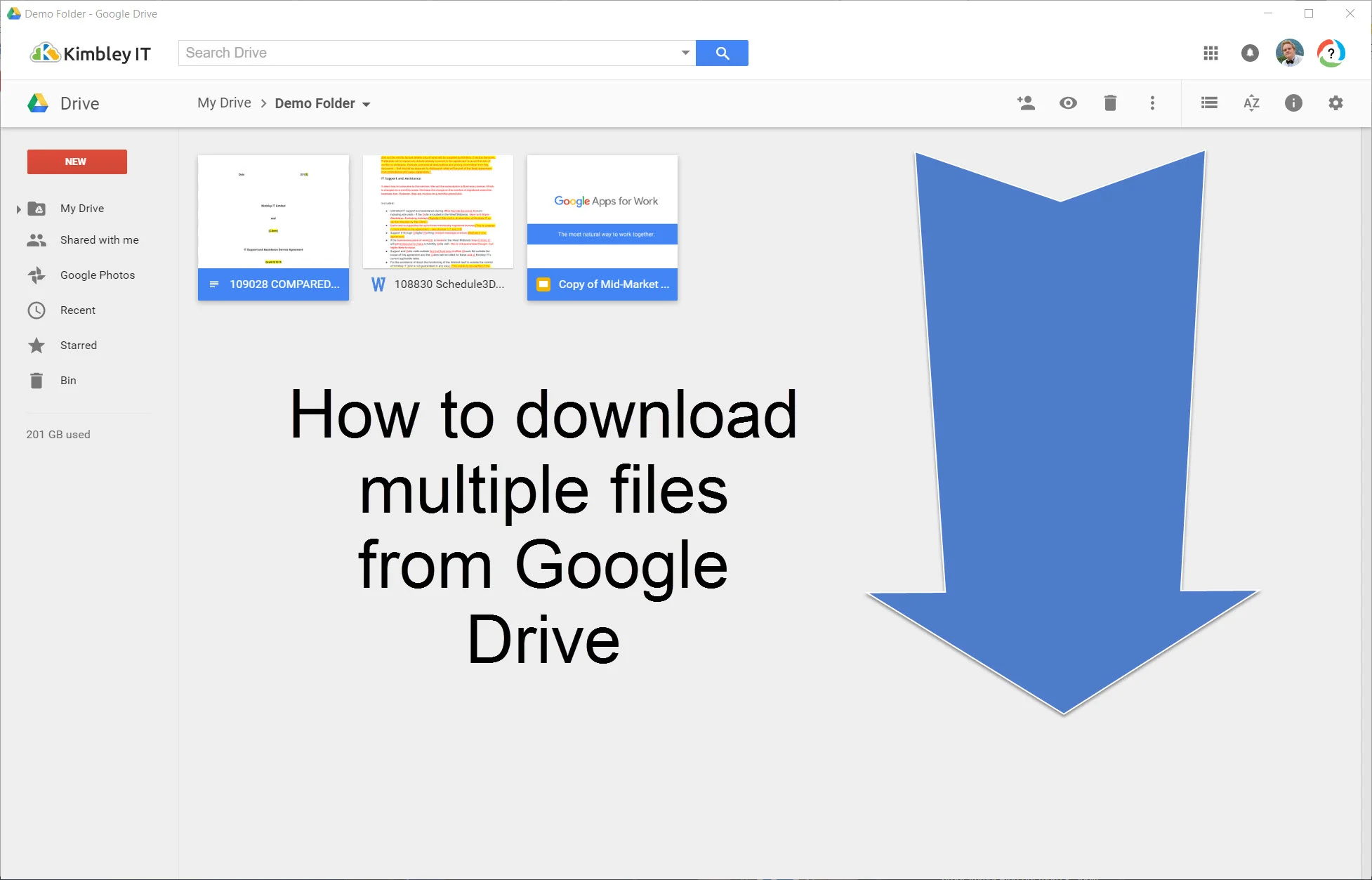
 
 
  • Go to the folder in Google Drive that contains the files you want to download.

  • Hold CTRL and click on the files you want to download.

  • Once you have selected the files you want, right click on the last file you selected and select download.

  • Google Drive will now download a zip file to your computer containing all the files you selected for download.

James Kimbley

<strong>Founder, Entrepreneur & Investor at Kimbley IT Limited</strong>

<br><br>

My team organises your business IT with Google Workspace, AI, Cyber Security & Support in One Package, trusted by 65+ UK businesses. Kimbley IT is a Google Cloud Partner, and Google Workspace is at the heart of everything we do. We recommend it because we've spent nearly 20 years helping UK businesses get the most from it and not because anyone asked us to.

<br><br>

Connect with me:

<a href="https://www.linkedin.com/in/jameskimbley/">LinkedIn</a> •

<a href="https://www.threads.com/@james.kimbley">Threads</a> •

<a href="https://www.kimbley.com/blog?author=50c5e9d6e4b033df8f3030ec">View All Posts</a>

www.kimbley.com
Previous
Previous

The best Printer for Work?

Next
Next

Warwickshire County Council saves over £260,000 with Google Workspace