
How to start a Google Meet video call
With Google Meet you can hold a video conference with up to 250 participants. Participants can join simply with a link and a webcam. The camera-shy can dial in with the telephone number provided. Unlike most video calling solutions, there is no software to install.
How you start an instant video call:
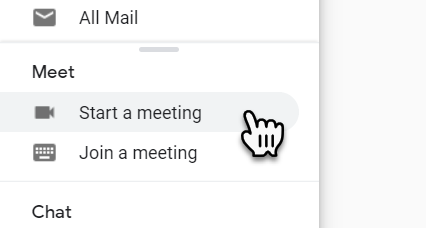
There are two ways to start a Google Meet video call, directly by going to https://meet.google.com or from inside your Gmail Inbox.
Gmail Inbox: Open Gmail and down the left-hand column, under the “Meet” section click “Start a meeting”
Click "Join or start a meeting"
Give the room a name Enter the room
When you enter a pop up will appear with the "Joining Info"
Send the joining info to participants
How you schedule a video call:
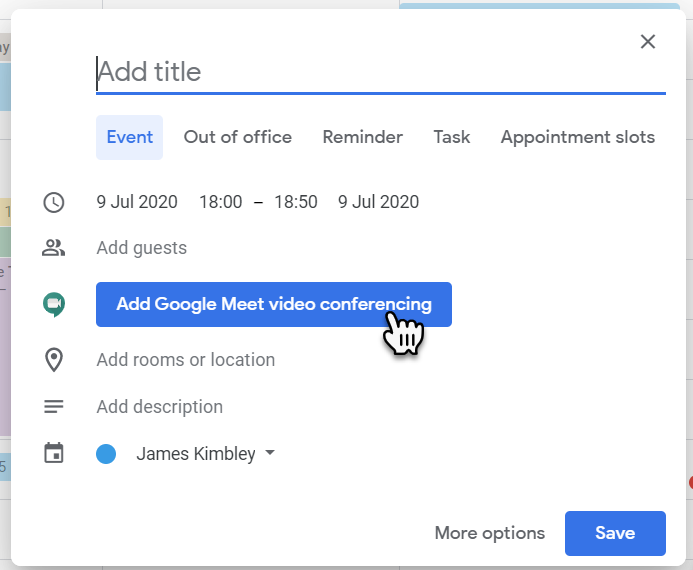
Go to Google Calendar
Create a new appointment
Select "Add Google Meet video conferencing" this will add a link and phone number for participants to use to join at the scheduled time
Don't forget to "Add guests"
Click "Save" the invitation with joining information will be sent to the guests
