
Real IT answers for growing businesses.
Looking for blog posts that answer real IT questions?
Every post gives you clear, practical guidance — from solving everyday IT issues to getting more out of Google Workspace. Kimbley IT’s blogs are jargon-free, easy to follow, and written to help your team work smarter with technology.
How Do You Use Claude in Google Docs, Sheets and Slides?
If your team already uses Claude, you no longer need to copy and paste between tabs. The new Claude for Google Workspace add-on puts Claude in a sidebar inside Docs, Sheets and Slides. Here is how to install it, why the button may be greyed out, and six jobs to try first.
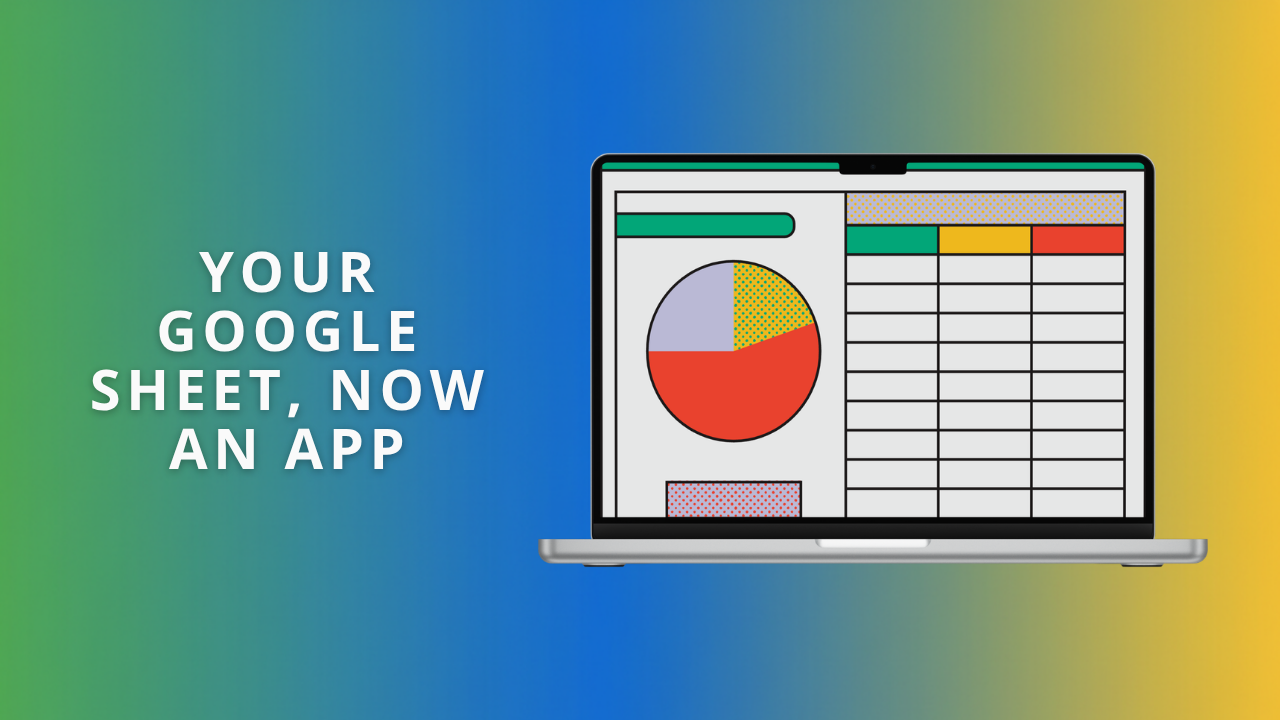
How Do You Turn a Spreadsheet Into a Simple App Without Coding?
Your spreadsheet already holds everything you need, but it isn’t easy to read at a glance. Sheets canvas lets you describe a task board, a dashboard, or an event schedule in plain English, and Gemini builds it on top of your data. Here are six to try, with prompts to copy.
Do I Need a Compliance Footer on My Email?
A client asked whether they still needed the long confidentiality notice at the bottom of their email. The answer is the opposite of what most people assume. The block everyone copies carries no legal weight, and the company details underneath it are the part UK law actually demands.
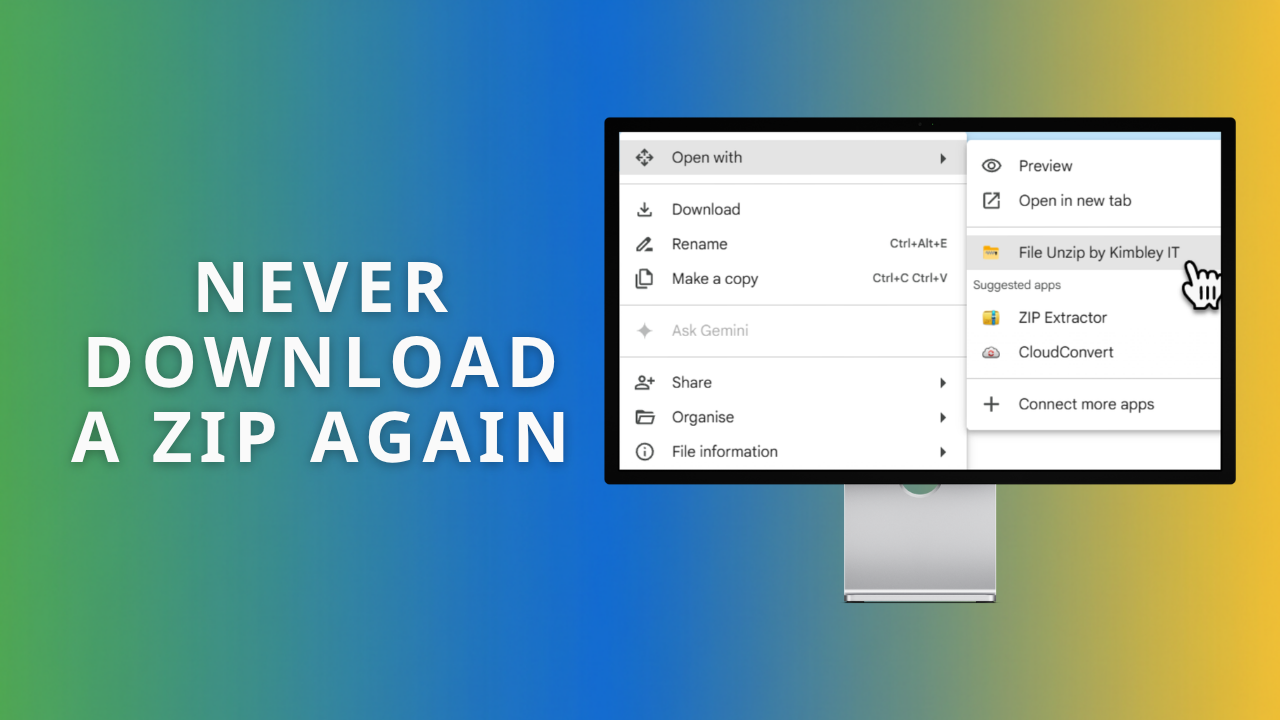
How Do You Open a Zip File in Google Drive?
Google Drive has no unzip button, so most people download the zip, open it on their computer, then upload the contents back. File Unzip by Kimbley IT removes that round trip. Right-click, Open with, one click, and your files land in Drive.
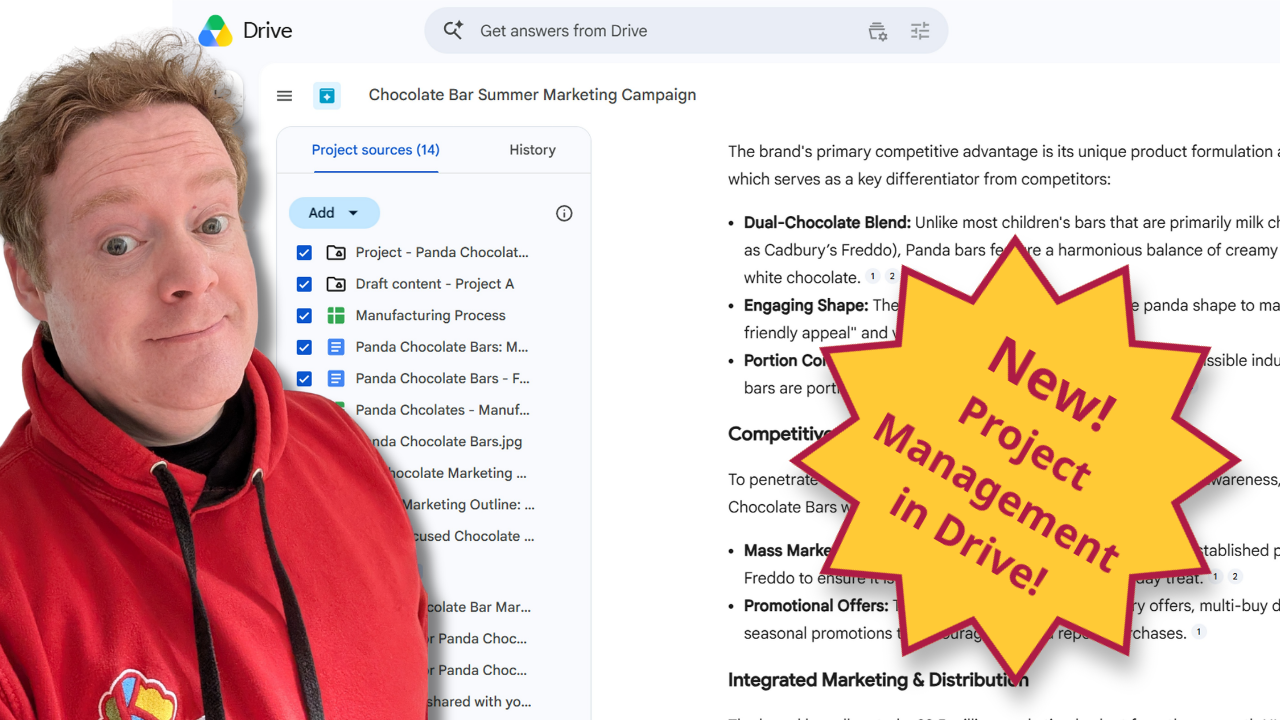
The Best Way to Manage Projects in Google Drive.
Managing a big client campaign shouldn't mean hunting through ten different folders and private email threads. This practical guide shows you how the new Projects feature in Google Drive brings your files, live Gmail threads, and Gemini AI insights onto a single screen to keep your team members perfectly aligned.
How do you pass Cyber Essentials on Google Workspace?
Don't lose your next big business contract because you lack a Cyber Essentials certification. If your startup runs on Google Workspace, you already have the foundation to pass the audit quickly. Here is your fast-track readiness checklist to protect your data and secure your revenue.
How Do You Answer a Supplier Data Protection Questionnaire About Google Workspace?
When a major potential client drops a supplier data protection questionnaire into your inbox, it can feel daunting. But if you run on Google Workspace, the tools you need to pass their security audit—like Google Vault and shared drives—are already in your subscription. Here is how to map their questions to your features and get the contract signed.
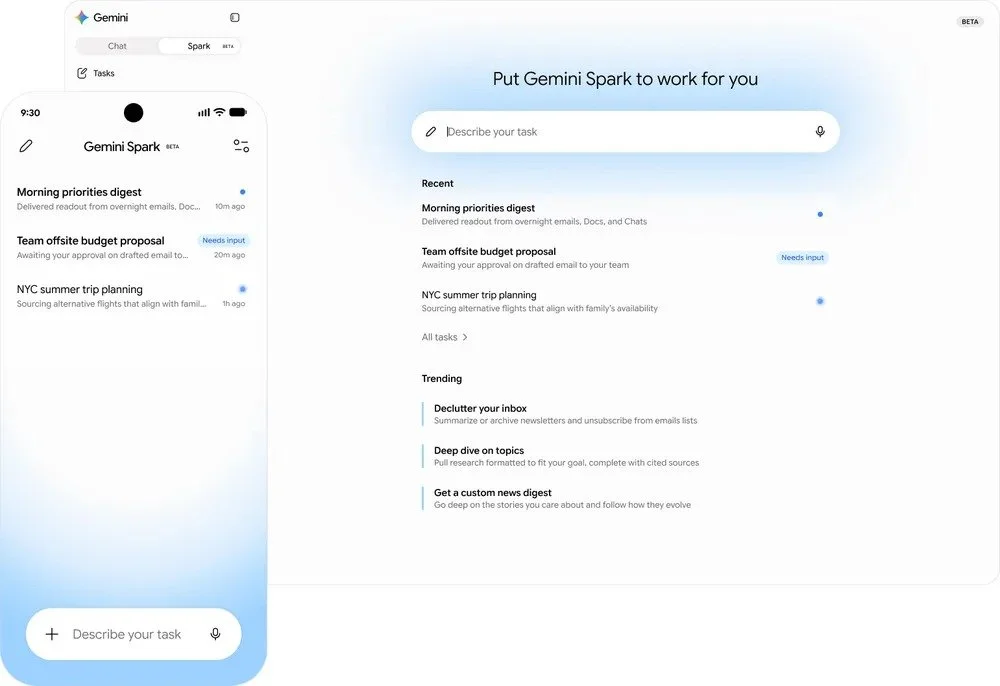
What Is Gemini Spark, and What Does It Mean for Google Workspace Users?
Google announced Gemini Spark at I/O 2026 on 19 May 2026: a personal AI agent that runs in the cloud and handles multi-step jobs across your Google Workspace, even when your laptop is shut. Here's what it does, when UK Google Workspace business customers get it, and how to get ready.

What is the best free Loom alternative for businesses using Google Workspace?
Stop paying for Loom. The Google Vids Screen Recorder is a free Chrome extension that records up to 30 minutes, saves straight to Google Drive, and works with any Workspace plan.
What is the best AI notetaker for in-person meetings?
The best AI notetaker for in-person meetings is one you probably already have. Open the Google Meet app, tap Take in-person notes, place your phone on the table, and Gemini does the rest.
What Did Google Announce for Google Workspace Users at Cloud Next '26?
Google used Cloud Next '26 to announce Workspace Intelligence, Ask Gemini in Chat, and a wave of updates across Sheets, Meet, and Docs. Here is a plain-English rundown of what changes for Google Workspace users and what your business should do to get ready.
How do I stop team members downloading company data in Google Workspace?
Google Takeout is switched on by default, which means any team member can export your entire company's data in one download. Turn it off in the admin console under Data, Data Import and Export. This guide shows each click and explains who genuinely needs export access.
What Happens to Your Business Data When You Connect AI to Google Workspace?
Most people connecting Claude or ChatGPT to Google Workspace have no idea their emails and calendar data are leaving Google's servers entirely. Here's what's actually happening, why it matters, and the safer alternative your business probably already has.
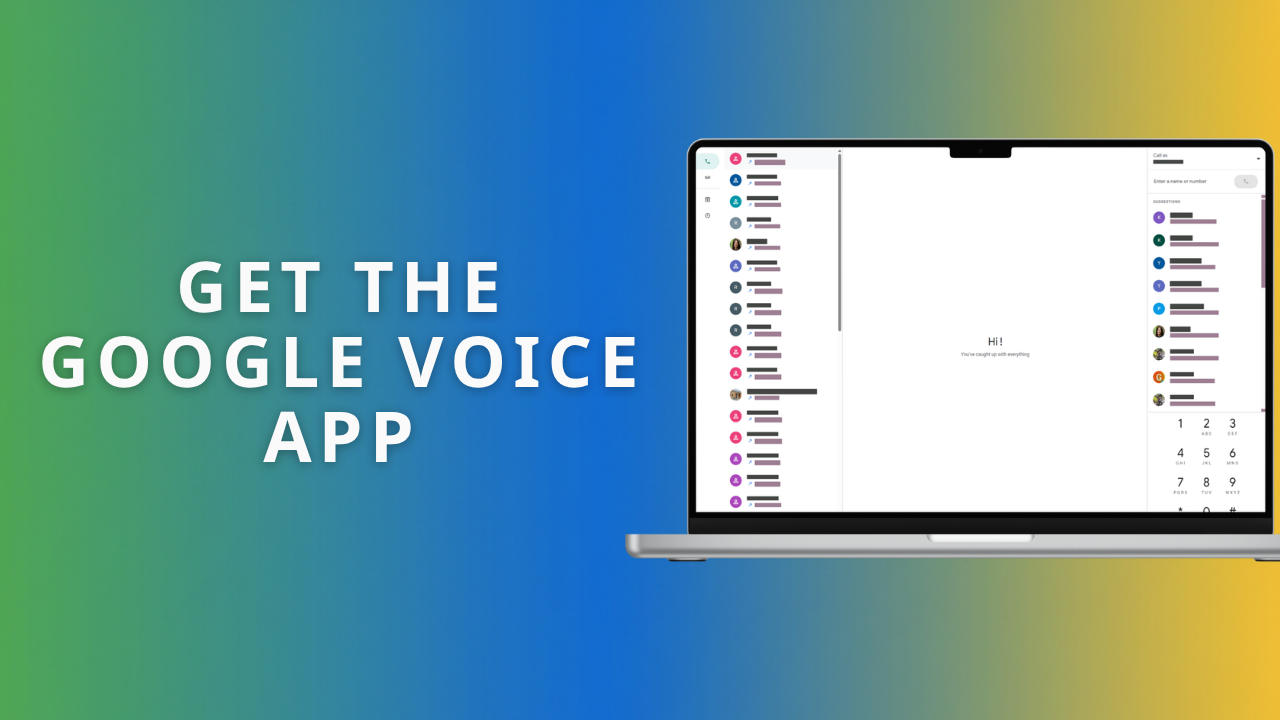
What is the easiest way to install the Google Voice app on a computer?
Google Voice is a Progressive Web App, so you can install it on your computer from Chrome or Edge in about three clicks, no bulky installer needed. Four simple steps give your team a dedicated calling app; pin it to your taskbar or Dock and your business line is always one click away.

How to Use Gmail, Google Calendar and Google Drive Offline.
Gmail, Google Calendar, and Google Drive all keep working without an internet connection once you enable offline access in Chrome. Set it up before you travel and you can read email, check your schedule, and edit documents anywhere. Here is how, app by app.
How to install Google Drive for desktop to access and sync your files.
Are your team members tired of downloading heavy files from the web just to work on them locally? Installing Google Drive for desktop is the easiest way to access, save, and sync your company data directly from File Explorer or Finder. Here is the quickest way to get your team set up.
Do You Need to Pay Extra for Gemini AI in Google Workspace?
Google Workspace Business Plus includes generous Gemini AI limits for prompts, images, and videos, and most teams never hit them. Before you pay £18 per person per month for the AI add-on, see the exact usage limits in one clear table and check whether the standard allowance covers your team.
What Is the Best IT Compliance Tool for UK SMBs? Why Google Vault is Essential
In a world of electronic transactions, losing a single email can lead to a £250,000 legal disaster. We explain how Google Vault provides the "CCTV" for your data, keeping your business "evidence-ready" and compliant with UK regulations.
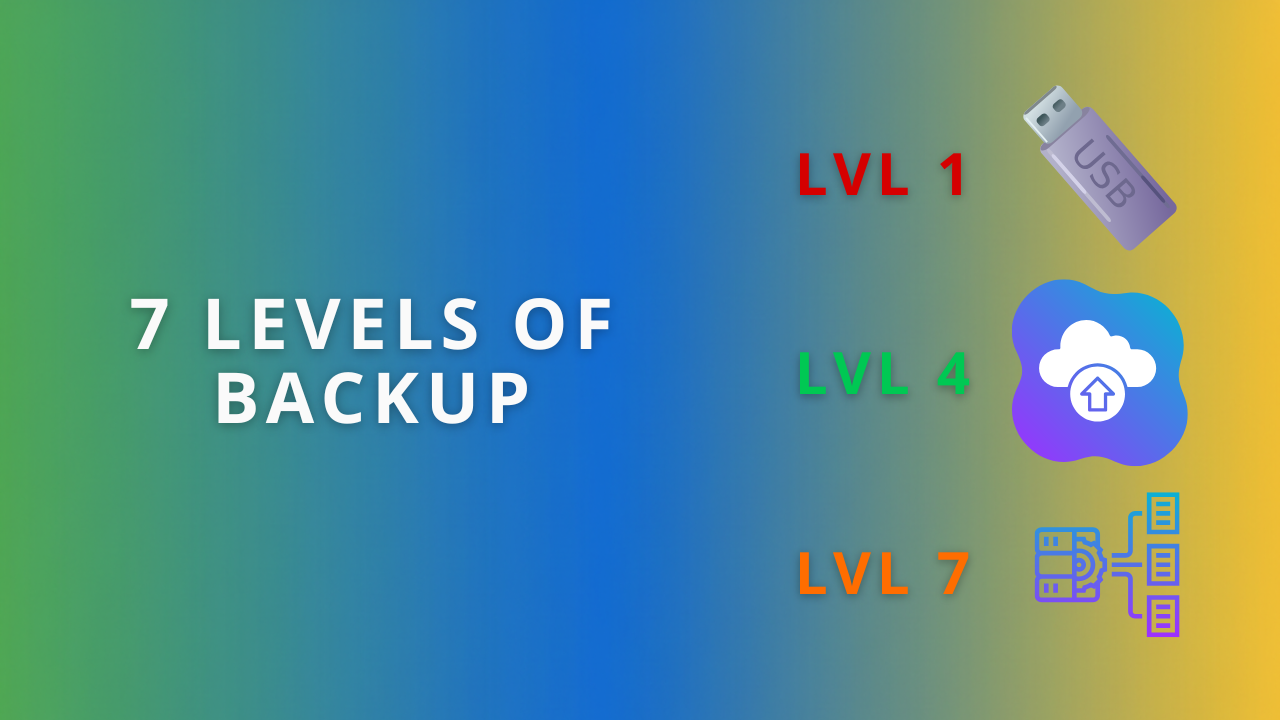
Who provides the best backup strategy for startups, scale-ups, and SMBs?
If you think syncing files to Google Drive is a backup, your business is a ticking time bomb. Learn the 7 levels of backup and find your gold standard.
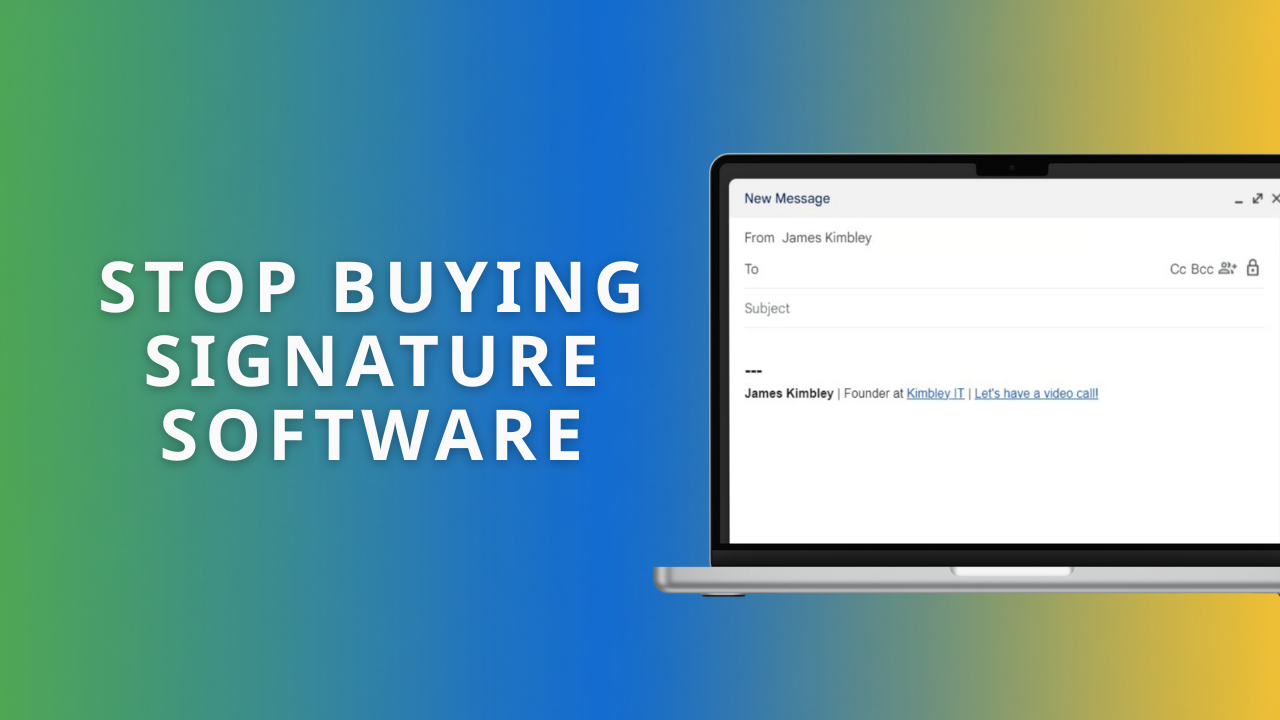
What is the best way to standardise email signatures in Google Workspace?
Most business owners try to force email signatures using the "Append Footer" setting or expensive software. Both are wrong. Here is the zero-cost, secure method to get your whole team looking professional without the technical headaches.