
What is the best Chrome extension to save WebP and AVIF images as JPEGs?
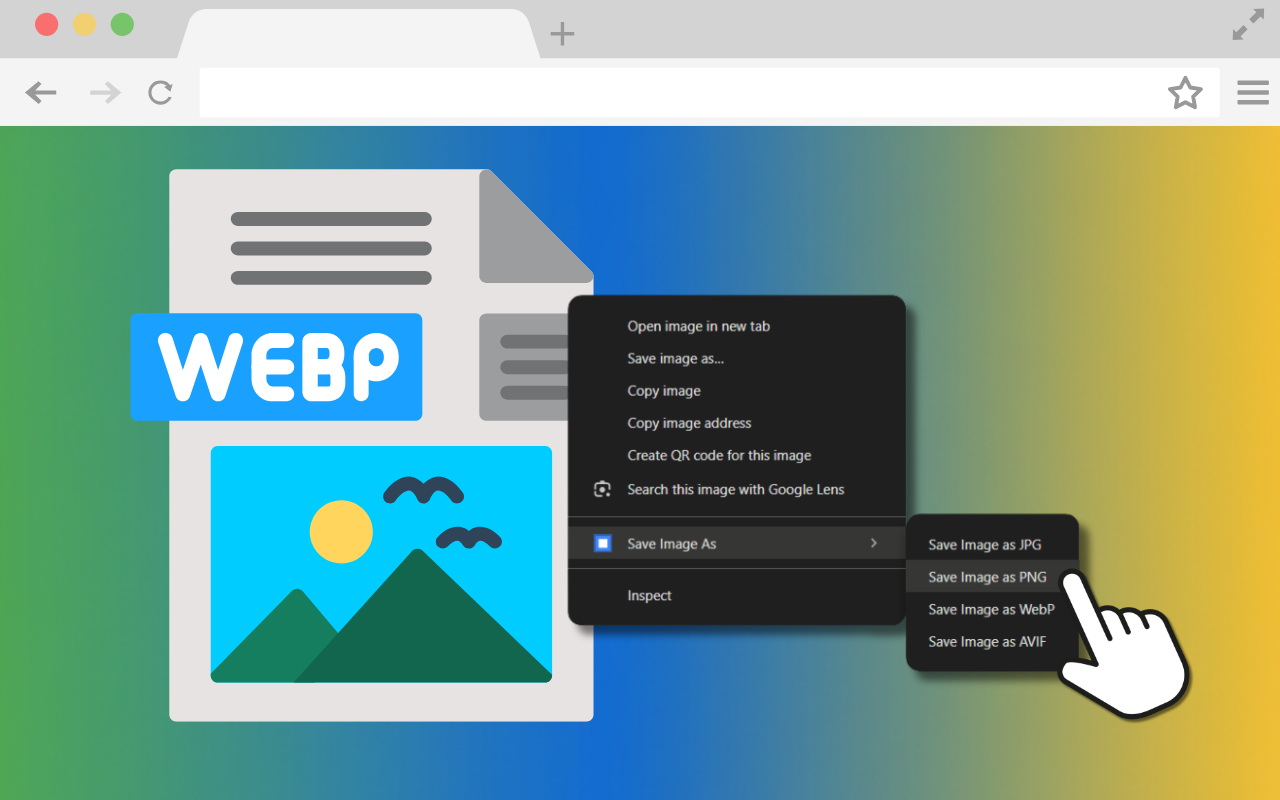
Have you ever tried saving an image from a website for a presentation, only to find it downloads as a bizarre '.webp' or '.avif' file? It is incredibly frustrating when you just need a standard JPEG that actually works with your software. You are not alone in this annoyance, but thankfully, there is a simple way to fix it for good.
The quick fix for frustrating image formats
The best solution is a free Chrome extension called 'Save Image As', made by us at Kimbley IT. It lets you right-click any image on a web page and download it exactly how you want it — as a JPG, PNG, WebP, or AVIF. You no longer need to mess around with clunky online file converters; your browser handles the conversion locally, keeping your data completely private.
Why this tool makes life easier
If you or your team members constantly download images for reports, social media, or website updates, dealing with incompatible formats eats up valuable time. This little tool gives you back control without needing a separate piece of software.
Here is what you get with a simple right-click:
Save as JPG: Ideal for standard photos and keeping file sizes small.
Save as PNG: Lossless quality, perfect for keeping transparent backgrounds.
Save as WebP: Excellent compression for building web pages.
Save as AVIF: The next-generation format for superior compression.
How to get it right now
The extension is available directly on the Chrome Web Store; you can start using it today. Just follow these easy steps:
Visit the extensions listing on the Chrome Web Store.
Click the "Add to Chrome", "Add to Edge", or "Add to Brave" button.
Visit any web page with an image you want to save. Right-click on the image, select the option "Save Image As", and then the format you'd like.
The clever part: It was 'vibe coded'
Here is a fun fact: this entire extension was 'vibe coded'. That means it was built using plain English prompts with Google's Gemini AI, rather than writing traditional lines of complex code. It proves just how quickly you can solve everyday annoyances when you have the right tools at your fingertips.
Ready to eliminate more daily frustrations?
When your business partners with Kimbley IT, your team members get access to powerful tools like Gemini. We can even assist you in vibe coding your own custom apps to eliminate the little frustrations that slow your day down. If you'd like an expert to help you implement this and improve your IT strategy, the next step is to book a video call with us using the form below.
