
Real IT answers for growing businesses.
Looking for blog posts that answer real IT questions?
Every post gives you clear, practical guidance — from solving everyday IT issues to getting more out of Google Workspace. Kimbley IT’s blogs are jargon-free, easy to follow, and written to help your team work smarter with technology.
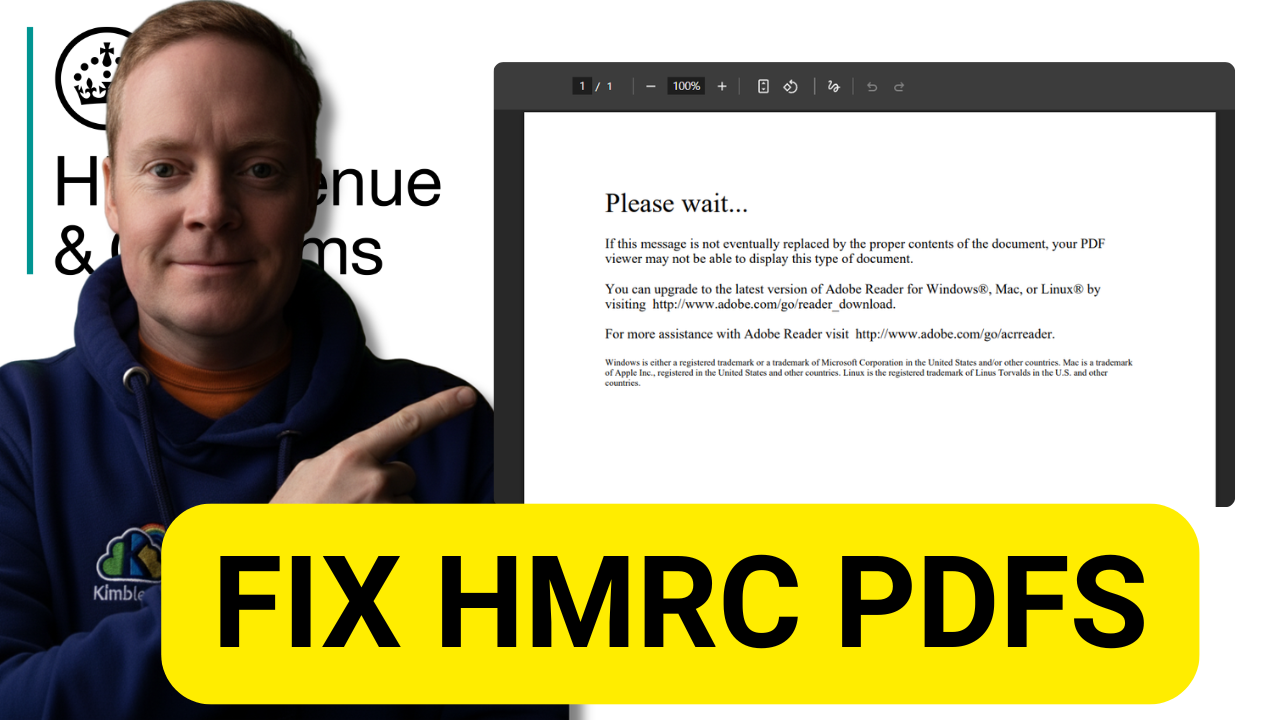
Why won't HMRC PDFs open in Chrome, and how do you fix it?
HMRC PDFs use the XFA format, which Chrome blocks by default, so forms show a Please wait message instead of opening. Enable PDF XFA support at chrome://flags and they open normally, no Adobe Reader required. The whole fix takes about a minute.
What's the Safest Way to Edit a PDF for Free?
Free online PDF editors often copy, mine, or leak whatever you upload, which makes them a poor choice for business documents. The safest free method is one you already have: convert the PDF to a Google Doc in Drive and edit it securely. Here is how.


How you bring back the previewing of PDFs in Google Drive.
Google Drive now opens PDFs in a new tab by default, but the old overlay preview is one setting away. Open Drive Settings and set Open PDFs to Preview. This quick guide shows you where the option hides and what each choice does.

How to set Chrome as your default PDF viewer in Windows 10
Windows 10 can open every PDF in Chrome instead of a clunky reader. Right-click any PDF, choose Open with, pick Chrome, and tick Always use this app. This quick guide walks you through each click so PDFs open instantly in the browser you already use.