
Why won't HMRC PDFs open in Chrome, and how do you fix it?
You know the feeling. You are trying to quickly sort out some tax admin on the HMRC website, and instead of the PDF form you need opening, you get a "Please wait..." error telling you to download Adobe Reader.
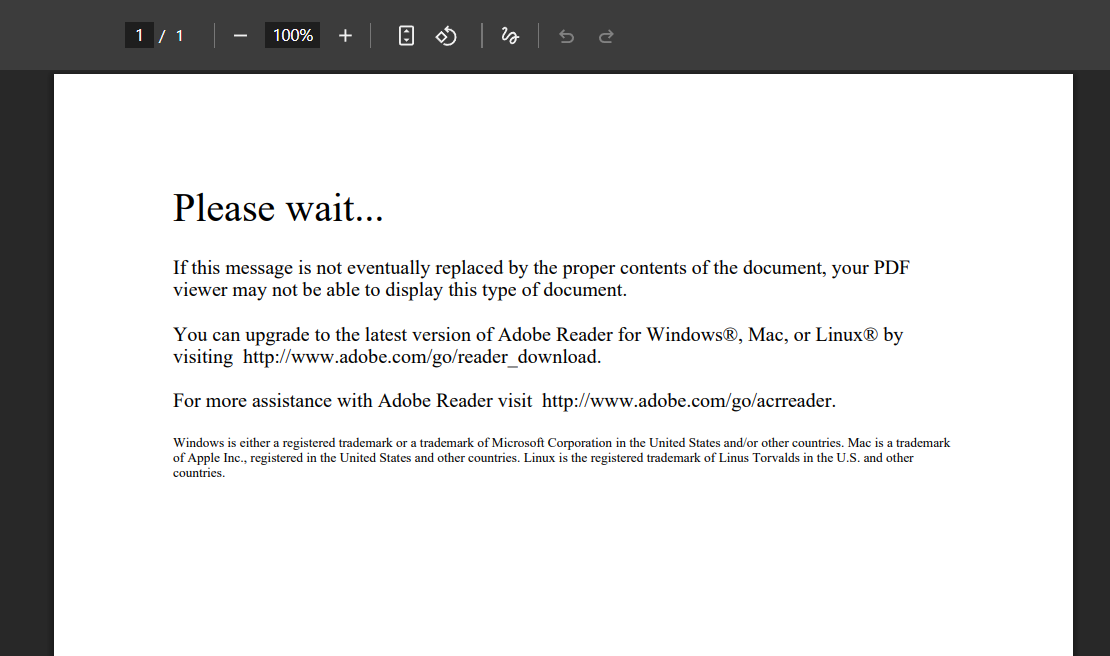
It is incredibly annoying. HMRC should make it easy to complete a form on any device, and your team members should not be forced to install clunky, proprietary software just to do their jobs.
The good news? You do not need Adobe. You can fix this permanently in under a minute directly within Google Chrome.
How to enable PDF XFA support in Chrome
Here is the exact fix to get those PDFs opening properly across your business:
Type chrome://flags/#pdf-xfa-forms into your Chrome address bar and hit enter.
Look for the PDF XFA support service highlighted at the top of your screen.
Change the drop-down box on the right from "Default" to Enabled.
Click the prompt to Relaunch Chrome.
That is it. Now, any HMRC PDF form will open and work flawlessly in Google Chrome without any extra downloads.
Frequently Asked Questions
Why do HMRC PDFs say "Please wait" in Google Chrome? HMRC often uses an older XFA PDF format for its forms. Modern web browsers use their own basic PDF viewers by default, which cannot read this specific format, triggering the error message.
Do my team members need Adobe Reader for HMRC forms? No. By enabling the hidden PDF XFA support flag in Google Chrome using the steps above, your team members can open, view, and complete these forms without downloading any additional software.
Need more help?
Tweaking this one hidden Chrome setting bypasses the HMRC PDF error entirely, keeping your day moving smoothly.
If you'd like an expert to help you implement this, the next step is to book a video call with us using the form below.
