
Kimbley IT unzips your files for FREE without ever seeing them.
Free File Unzip Tool
✅ Opens Zip, 7z, and RAR ✅ Unzipped In Your Browser ✅ Saves To Google Drive
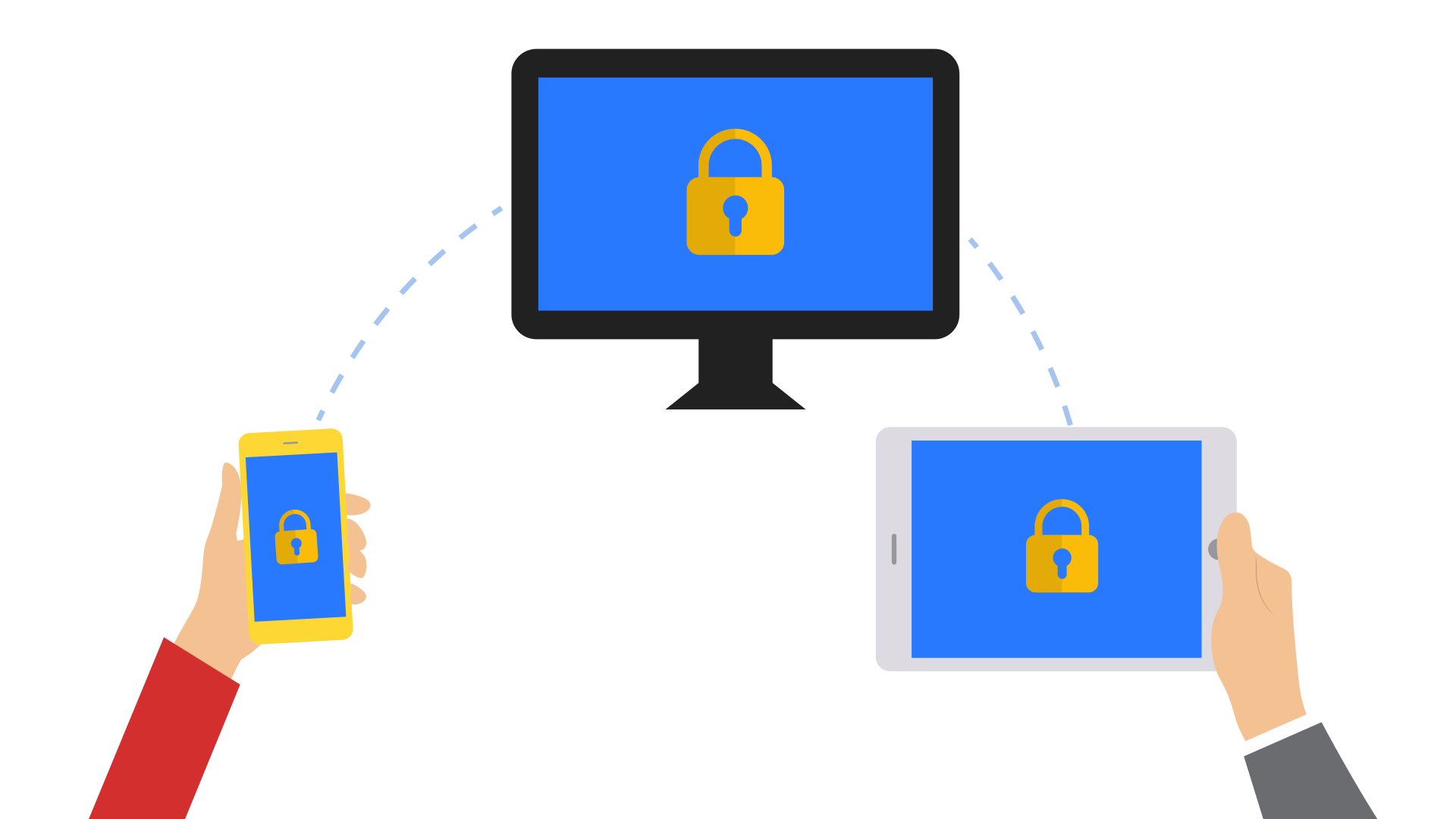
This free tool opens many types of ZIP files for you. Without needing to install software.
Simply drop the zip file below, and you'll see everything inside it, ready to download one at a time or all at once.
Your file is unzipped in your browser, so nothing gets uploaded or sent to Kimbley IT.
Once your files are unzipped, you can save them directly into your Google Drive or onto your computer.
Unzip your file below.
Frequently asked questions about File Unzip by Kimbley IT
-
Zip files, including password-protected ones. It also opens 7z, RAR, TAR, GZ, TGZ, and CAB archives. The one thing it can't do is open a password-protected 7z or RAR, and it tells you if you try.
-
Criminals hide programs, scripts, and macro-enabled documents inside archives, so this tool refuses to open any archive containing one. You see a warning message instead of the files. That doesn't mean the file is definitely dangerous, only that a person should check it before you go any further.
-
Install File Unzip by Kimbley IT from the Google Workspace Marketplace, and you can right-click any zip in Google Drive, choose Open with, and unzip it into a new folder next to the original. It's free, and nothing is downloaded to your computer.