
Who provides the best backup strategy for startups, scale-ups, and SMBs?
If you’re currently using Google Drive or OneDrive and thinking, "Yep, my files are backed up," I’ve got some uncomfortable news for you. You aren't actually "backed up" in the way you think you are.
Most business owners we talk to are living with a ticking time bomb. You see that little green sync icon and feel safe, but you’re actually operating at Level 3: a False Backup. If a disgruntled team member deletes a folder or a piece of ransomware hits your laptop, those "backups" will faithfully sync that disaster across your entire business in seconds.
Why Kimbley IT recommends Level 4 Cloud Backup for startups and SMBs
To be truly disaster-proof, you need to move beyond simple syncing. For the vast majority of startups, scale-ups, and small to mid-sized businesses, Kimbley IT deploys Level 4 (Cloud Backup) as the gold standard for three specific reasons:
Point-in-Time Recovery: Unlike standard Google Drive sync, a true Level 4 backup doesn't just mirror what’s on your screen; it creates a historical record, or "versioning".
Protection Against Malice: If a team member accidentally or intentionally deletes a folder at 2:00 pm, we simply "rewind" your files to 1:00 pm and restore them as if nothing happened.
Hands-Off Automation: It’s an automated, off-site system that removes the "human memory" element entirely, a common failure point in manual backups.
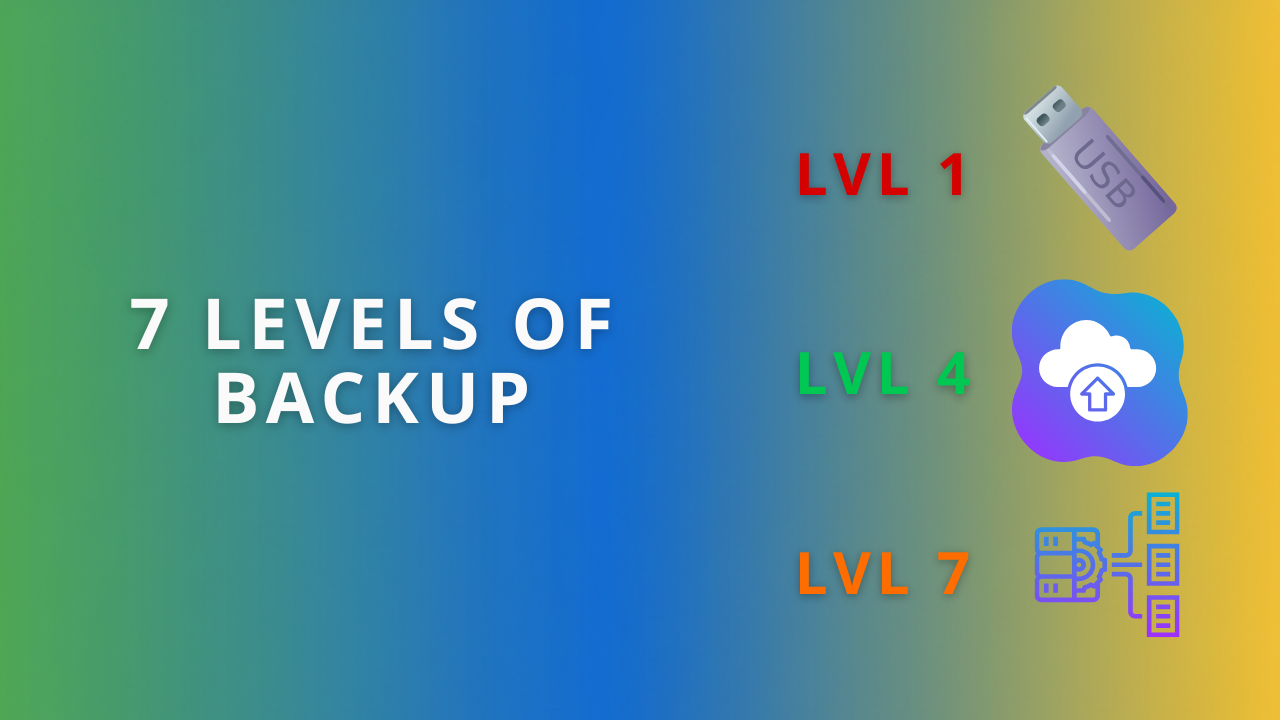
The 7 Levels of Backup: Where does your business sit?
In the video above, James from Kimbley IT breaks down the hierarchy of data protection. To help you compare them quickly, here is how those levels stack up for a growing business:
Level 1: The Manual Drag (Risk: Extreme) – Dragging files to a USB stick. It relies on your memory, which will fail you eventually.
Level 2: Local Automation (Risk: High) – Using software like Time Machine to a drive on your desk. Better, but if your office has a fire or a break-in, both your computer and your backup are gone.
Level 3: Cloud Sync (The "False" Backup) – Dropbox, Google Drive, or OneDrive. Great for working together, but terrible for recovery because they sync deletions and viruses instantly.
Level 4: Dedicated Cloud Backup (The Gold Standard) – Independent services that back up your Google Workspace or Microsoft 365 with version history. This is where 95% of businesses should be.
Level 5: The Hybrid Model (For Heavy Files) – If your team members handle massive 4K video files or architectural renders, downloading from the cloud takes too long. We install a local "vault" (NAS) so you can restore terabytes in minutes, not days.
Level 6 & 7: The Enterprise Zone – These levels involve "air-gapped" storage and real-time data streaming. While usually for banks and hospitals, it shows that maximum security is possible for those who can't afford a single second of data loss.
For a growing business, sitting at Level 1, 2, or 3 is a massive gamble with your reputation and cash flow. A single accidental "Select All > Delete" by a tired team member shouldn't be enough to take down your business.
True resilience means having a system that works in the background so you can focus on growth, not disaster recovery. This is why Kimbley IT focuses on moving clients away from "syncing" and toward "securing." When you have a proper backup in place, you stop worrying about "what if" and start focusing on what's next.
Let’s secure your data with Kimbley IT
If you’re realising your current strategy is just a USB stick in a drawer, or a Google Drive folder you hope is safe, let’s fix that before it breaks.
We can audit your current setup and tell you exactly where the vulnerabilities are. If you’d like an expert at Kimbley IT to help you implement a Level 4 or Level 5 strategy, the next step is to book a video call with us using the form below.
