
The Gemini App: Fast, Thinking, or Pro? A Simple Guide for the Confused.
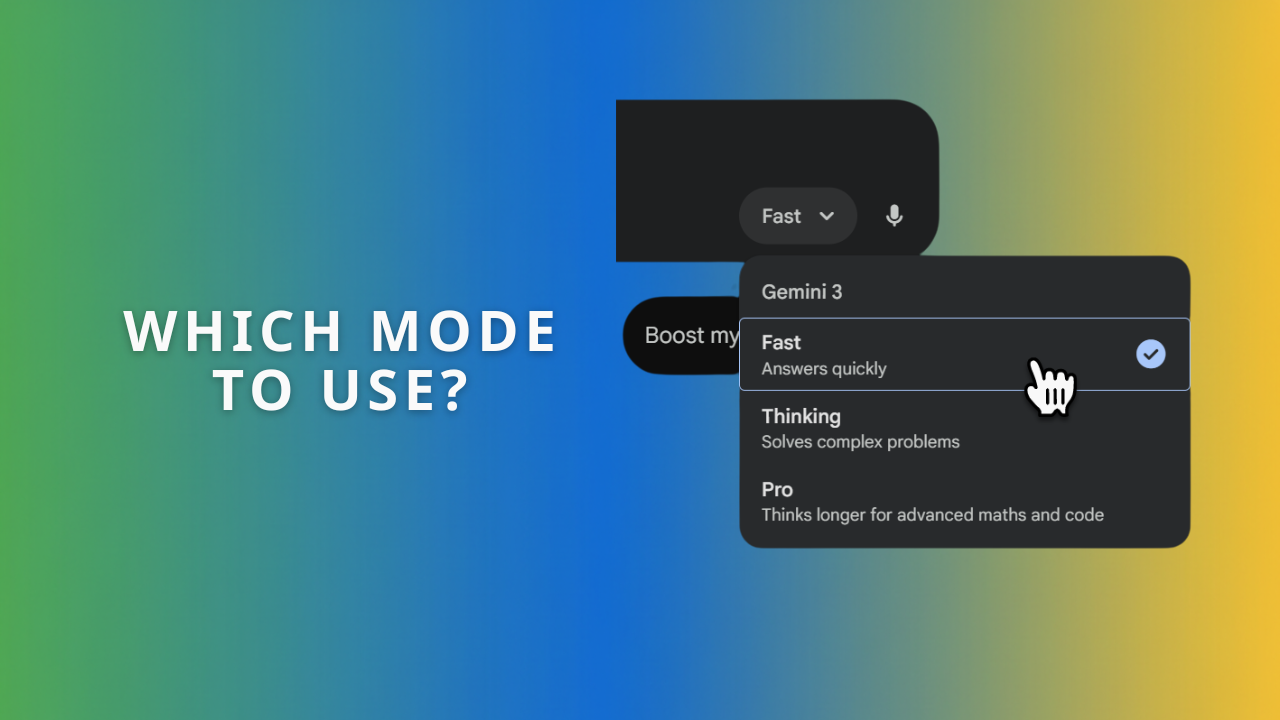
Ever opened the Gemini app on your phone or desktop and felt a bit like you’re staring at a cockpit? You just want an answer, but instead, you’re presented with a choice: Fast, Thinking, or Pro.
It’s a valid question: Why isn’t it just smart enough to pick the right one for me?
While Google is getting better at automating this, the manual toggle gives you control over something precious - your time and your brain power (or rather, the AI’s brain power).
Here is the "lightbulb moment" to clear the confusion immediately: Think of the modes like different team members in your office.
Fast is your energetic intern who can Google things instantly and draft a quick email in seconds.
Thinking is your methodical strategist who needs to sit in a quiet room, stare at a whiteboard, and solve a logic puzzle before getting back to you.
Pro is your senior partner or creative director - experienced, nuanced, able to read hundreds of pages of context, but expensive to run (in terms of quota).
Here is exactly when you should use each one for your specific industry.
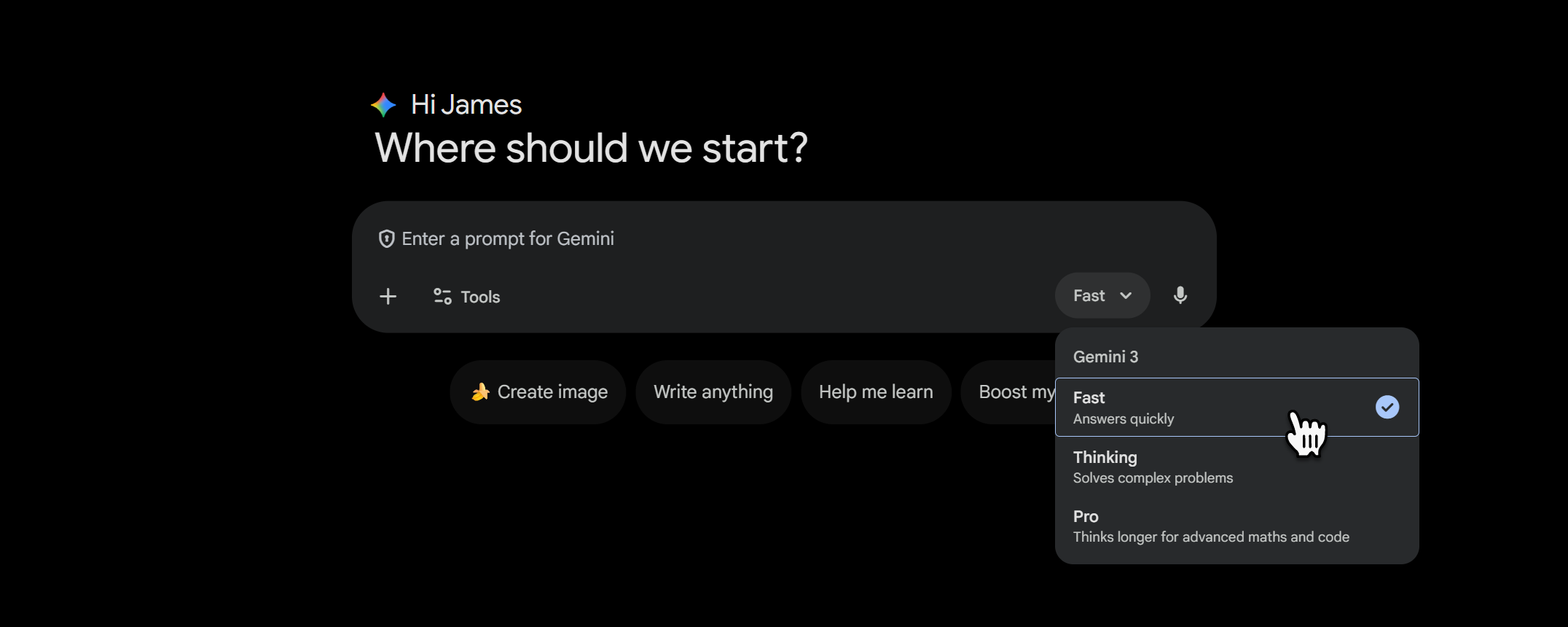
1. Fast Mode (The Sprinter)
This mode is designed to be lightweight. It doesn't "overthink." It grabs the most likely answer and serves it up immediately.
When to use it:
For Accountants: Use this for quick admin tasks. For example, "Draft a polite email chasing a client for their VAT receipts" or "What is the current mileage allowance rate?" It is perfect for binary facts and simple communication.
For PR & Marketing: This is your brainstorming buddy. Ask it, "Give me 20 variations of a subject line for a newsletter about cyber security." It creates volume quickly, which you can then curate.
For Manufacturing: Use it for quick conversions or definitions. "Convert these hydraulic pressure readings from bar to psi" or "What is the melting point of grade 316 stainless steel?"
When NOT to use it: Don't use Fast mode for complex logic. If you ask it to solve a complex tax residency riddle, it might hallucinate an answer just to be quick.
2. Thinking Mode (The Strategist)
When you hit this button, you’ll often see a "Thinking..." animation. This isn't the app lagging; it's the AI actually "talking to itself" to check its own logic before it gives you an answer. It breaks a problem down into steps, spots potential traps, and then responds.
When to use it:
For Accountants: This is where you solve problems. If you have a bank reconciliation that just won't balance, you can paste the (anonymised) data in and ask, "Find the combination of transactions that adds up to this discrepancy amount." Fast mode would guess; Thinking mode does the maths.
For PR & Marketing: Use this for planning logistics. "We have a launch event with three different speakers, specific dietary requirements for 50 guests, and a strict budget. Create a run-sheet that ensures no overlaps." This requires logic, not just creativity.
For Manufacturing: Use this for optimisation. "We have three machines sharing one operator. Machine A takes 20 mins to load, Machine B takes 40 mins. Create a schedule that minimises downtime." Thinking mode can reason through the timeline conflicts.
3. Pro Mode (The Expert)
Pro mode has a massive "context window," meaning it can "read" and remember huge amounts of information - like an entire book or a 50-page PDF - without forgetting the beginning. It also writes with better flair and nuance.
When to use it:
For Accountants: Use this for deep analysis. Upload a new client's previous three years of tax returns (PDFs) and ask, "Read these returns and identify any inconsistencies or missed opportunities compared to standard relief claims." It acts like a senior auditor reviewing the file.
For PR & Marketing: This is your copywriter. When you need to write a press release, a blog post, or a sensitive client communication, Pro mode captures tone of voice far better than Fast mode. It understands nuance and won't sound robotic.
For Manufacturing: Use this for technical troubleshooting. Upload a photo of a broken component alongside a PDF of the technical manual and ask, "Based on page 45 of this manual, what is the likely cause of this wear pattern shown in the photo?"
Why does this matter?
Using the wrong mode is the number one reason people say "AI is rubbish." They ask Fast mode to write a sensitive press release (it’s bad at it), or they ask Thinking mode to say "hello" (it wastes time).
Picking the right toggle isn't just about settings; it's about delegating the right task to the right digital team member.
Need help setting this up?
If you’d like an expert to help you implement this strategy or train your team on how to use Gemini effectively within Google Workspace, the next step is to book a video call with us using the form below.
