
Real IT answers for growing businesses.
Looking for blog posts that answer real IT questions?
Every post gives you clear, practical guidance — from solving everyday IT issues to getting more out of Google Workspace. Kimbley IT’s blogs are jargon-free, easy to follow, and written to help your team work smarter with technology.
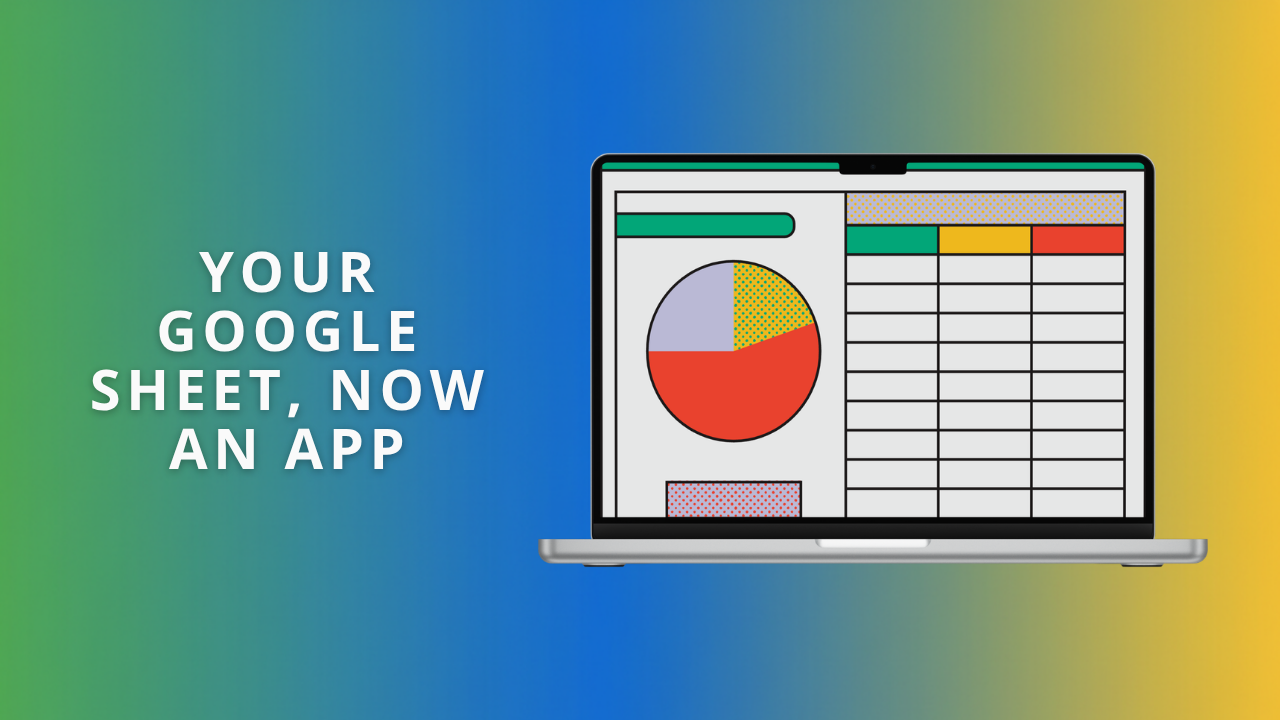
How Do You Turn a Spreadsheet Into a Simple App Without Coding?
Your spreadsheet already holds everything you need, but it isn’t easy to read at a glance. Sheets canvas lets you describe a task board, a dashboard, or an event schedule in plain English, and Gemini builds it on top of your data. Here are six to try, with prompts to copy.
What Is Shadow AI, and How Do You Stop Your Team Using Unapproved AI Tools?
Someone on your team has pasted a client's details into a free chatbot this week. Nothing looked wrong, and the work got done faster. The NCSC calls it shadow AI, and a ban will not fix it. Here is what to approve, what to block, and why Google Vault matters.
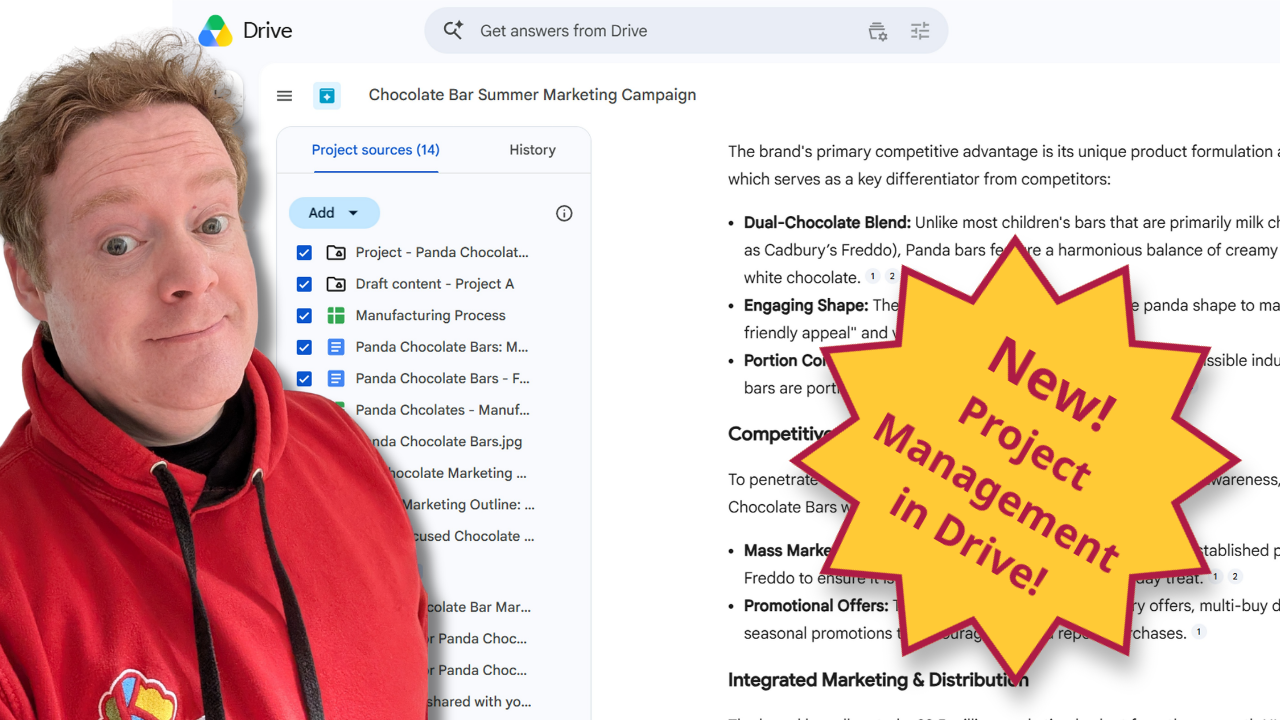
The Best Way to Manage Projects in Google Drive.
Managing a big client campaign shouldn't mean hunting through ten different folders and private email threads. This practical guide shows you how the new Projects feature in Google Drive brings your files, live Gmail threads, and Gemini AI insights onto a single screen to keep your team members perfectly aligned.
What is the best AI notetaker for in-person meetings?
The best AI notetaker for in-person meetings is one you probably already have. Open the Google Meet app, tap Take in-person notes, place your phone on the table, and Gemini does the rest.
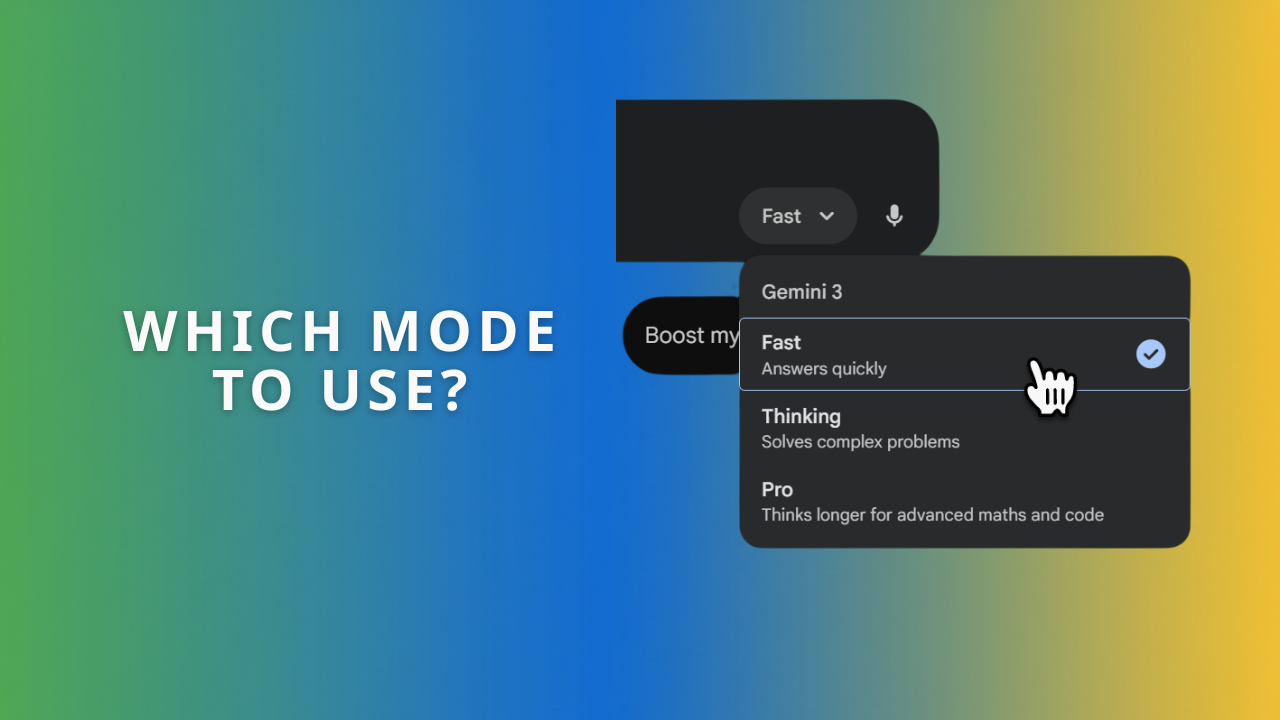
The Gemini App: Fast, Thinking, or Pro? A Simple Guide for the Confused.
Fast, Thinking, and Pro each suit different jobs in the Gemini app. Think of them as three team members: a speedy intern, a careful strategist, and a senior expert. Learn which mode to pick for quick questions, tricky logic problems, and long documents, with examples for your industry.

What's the best way to build a shared AI prompt library for your team?
A shared AI prompt library in Google Docs keeps your team's best prompts out of lost chat histories. Enable Markdown in Docs Preferences, then use Copy as Markdown so prompts paste cleanly into Gemini or ChatGPT. Here is how to structure a library people actually use.


Why you Need To Use AI Notetaking in Google Meet!
Take Notes For Me in Google Meet has Gemini write your meeting notes automatically, summarise for latecomers, and send the host a finished Google Doc when the call ends. Turn it on once and no one has to choose between joining the conversation and writing it down.


