Real IT answers for growing businesses.
Looking for blog posts that answer real IT questions?
Every post gives you clear, practical guidance — from solving everyday IT issues to getting more out of Google Workspace. Kimbley IT’s blogs are jargon-free, easy to follow, and written to help your team work smarter with technology.
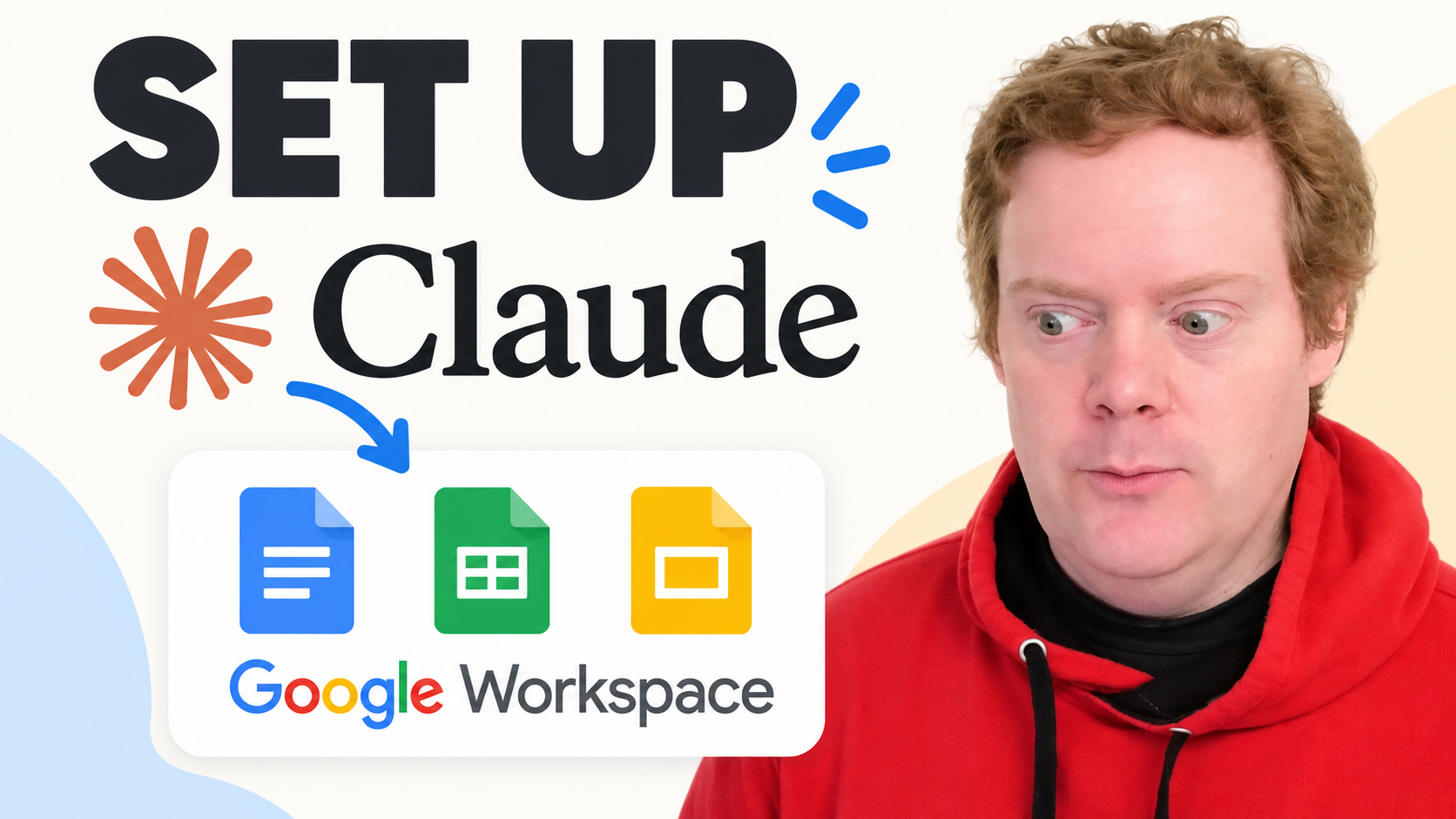
How Do You Use Claude in Google Docs, Sheets and Slides?
If your team already uses Claude, you no longer need to copy and paste between tabs. The new Claude for Google Workspace add-on puts Claude in a sidebar inside Docs, Sheets and Slides. Here is how to install it, why the button may be greyed out, and six jobs to try first.
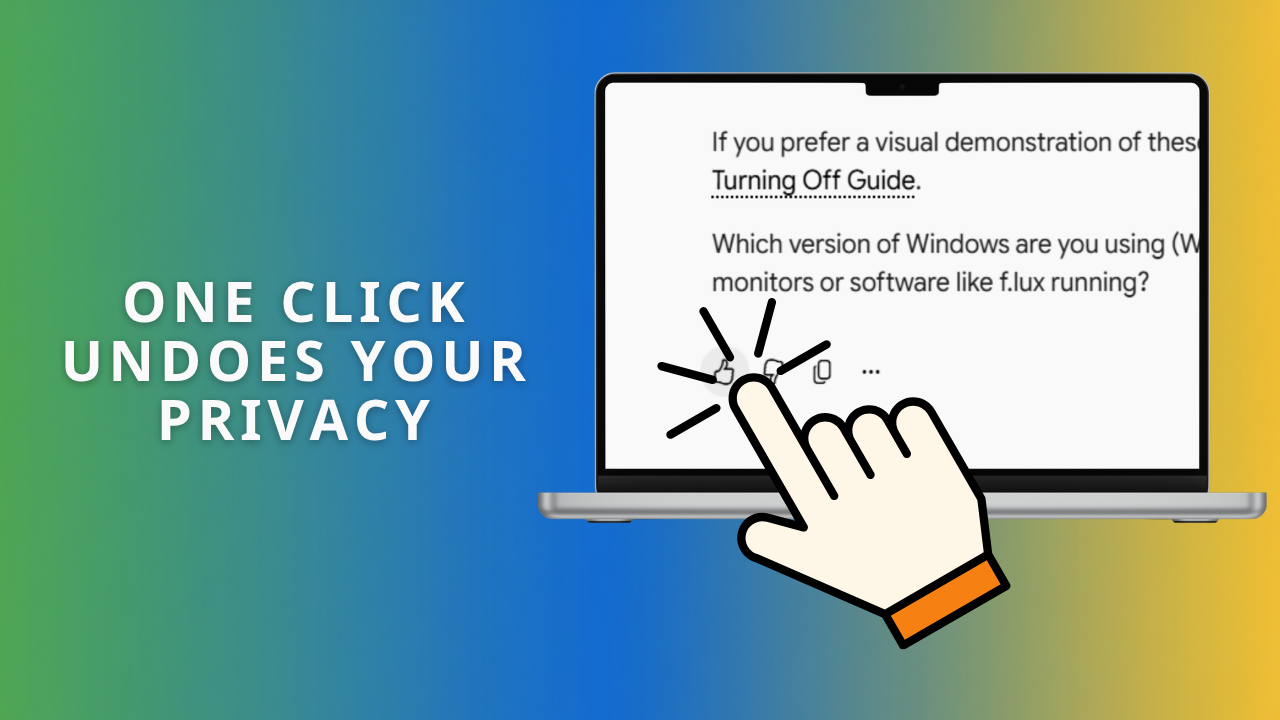
Why Does Rating an AI Answer Override Your Privacy Settings?
You paid for the plan and turned off AI training, so your chats are private. Then you clicked thumbs down on a bad answer. OpenAI, Anthropic and Google all say that one click sends the conversation anyway, and on a personal Gemini account it sends the last 24 hours. Here is what each plan does and the one rule that fixes it.
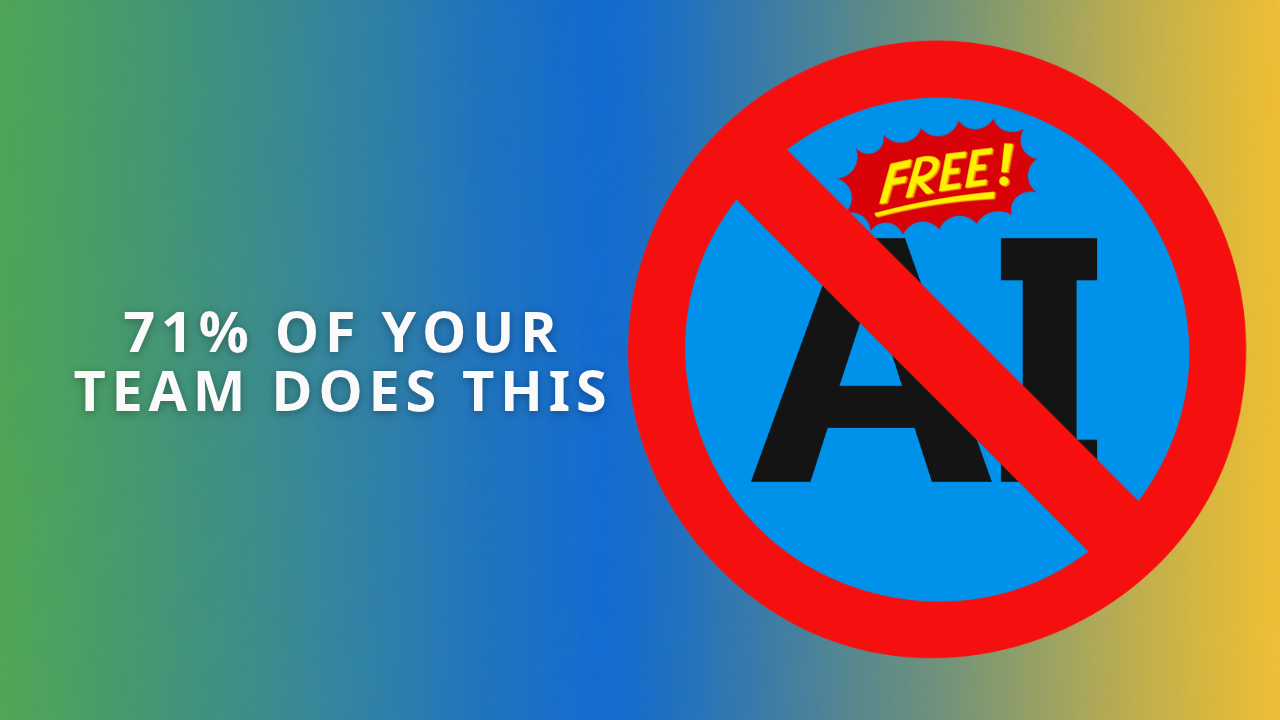
What Is Shadow AI, and How Do You Stop Your Team Using Unapproved AI Tools?
Someone on your team has pasted a client's details into a free chatbot this week. Nothing looked wrong, and the work got done faster. The NCSC calls it shadow AI, and a ban will not fix it. Here is what to approve, what to block, and why Google Vault matters.
What Is the Average IT Support Response Time?
Most IT support providers publish a target and hope nobody checks. Kimbley IT logged every client conversation for five months instead. 599 conversations, 34 client companies, and a median first response of one minute. Here is what the data shows, and why there is no SLA sitting behind it.
What is the best AI notetaker for in-person meetings?
The best AI notetaker for in-person meetings is one you probably already have. Open the Google Meet app, tap Take in-person notes, place your phone on the table, and Gemini does the rest.
What Happens to Your Business Data When You Connect AI to Google Workspace?
Most people connecting Claude or ChatGPT to Google Workspace have no idea their emails and calendar data are leaving Google's servers entirely. Here's what's actually happening, why it matters, and the safer alternative your business probably already has.
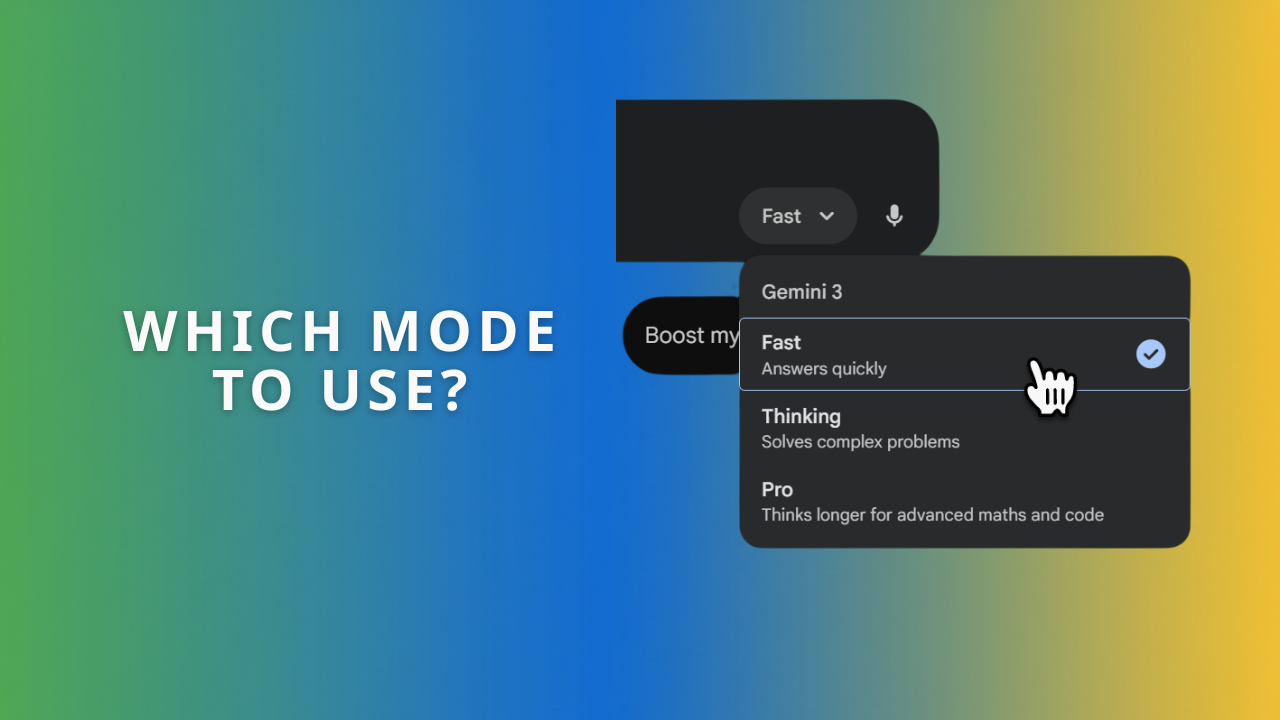
The Gemini App: Fast, Thinking, or Pro? A Simple Guide for the Confused.
Fast, Thinking, and Pro each suit different jobs in the Gemini app. Think of them as three team members: a speedy intern, a careful strategist, and a senior expert. Learn which mode to pick for quick questions, tricky logic problems, and long documents, with examples for your industry.

Too many files to read? Get Google Drive to 'podcast' them for you.
You know that feeling. A team member pings you a massive PDF you should read, but you just don’t have time. Instead of letting it gather dust, what if you could just listen to it?

What's the best way to build a shared AI prompt library for your team?
A shared AI prompt library in Google Docs keeps your team's best prompts out of lost chat histories. Enable Markdown in Docs Preferences, then use Copy as Markdown so prompts paste cleanly into Gemini or ChatGPT. Here is how to structure a library people actually use.
The best voice-to-text dictation software for Windows and Mac: Wispr Flow
Discover Wispr Flow — the AI-powered dictation software for Windows and Mac that turns your voice into perfectly formatted text. Save hours every week and boost productivity with a free 2-week trial.
How can my business get the most out of Google Gemini?
Many businesses only scratch the surface of what Google Gemini can do. This guide reveals the powerful, often-missed features like Workspace integration, Gems for recurring tasks, and creative tools that can turn Gemini into a true productivity partner for your team.

Vibe coding with Gemini: helpful, tricky, and why you still need a human.
Vibe coding feels magical: describe your idea and AI builds it. But when Gemini couldn’t debug its own code, human insight made the difference. Here’s what that means for your business.