
Real IT answers for growing businesses.
Looking for blog posts that answer real IT questions?
Every post gives you clear, practical guidance — from solving everyday IT issues to getting more out of Google Workspace. Kimbley IT’s blogs are jargon-free, easy to follow, and written to help your team work smarter with technology.

How Do You Fix "Location Not Available" in Google Drive for Desktop?
Google Drive vanishes from File Explorer and Windows throws up Location Not Available. It is one of the errors clients mention to us most, and it is nearly always Drive for Desktop sitting un-restarted after an update. Here is the two-minute fix, and what to try when a reboot is not enough.
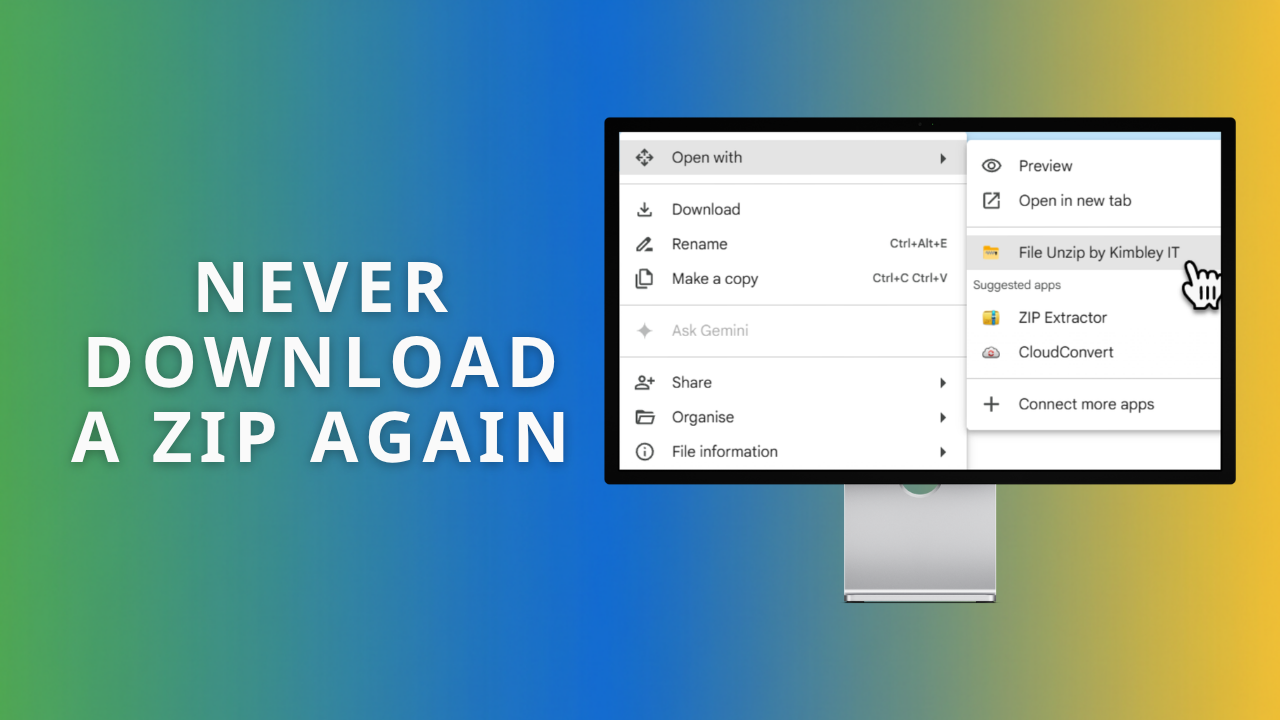
How Do You Open a Zip File in Google Drive?
Google Drive has no unzip button, so most people download the zip, open it on their computer, then upload the contents back. File Unzip by Kimbley IT removes that round trip. Right-click, Open with, one click, and your files land in Drive.
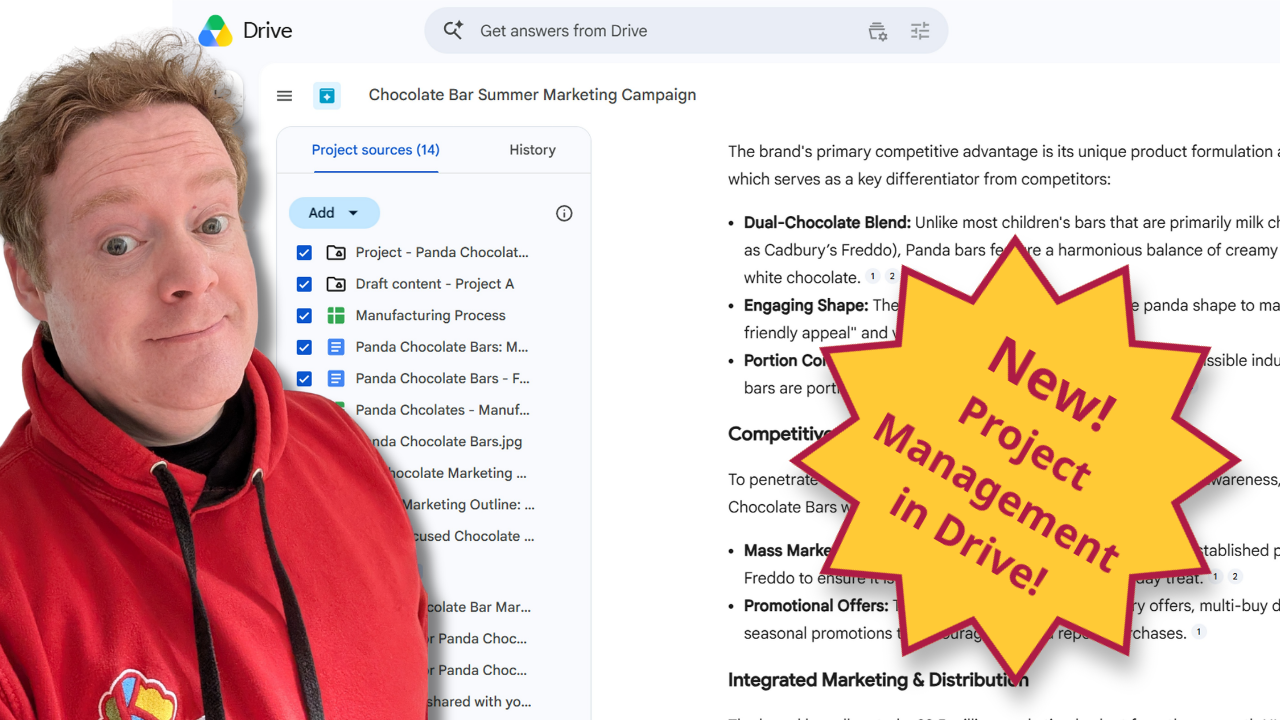
The Best Way to Manage Projects in Google Drive.
Managing a big client campaign shouldn't mean hunting through ten different folders and private email threads. This practical guide shows you how the new Projects feature in Google Drive brings your files, live Gmail threads, and Gemini AI insights onto a single screen to keep your team members perfectly aligned.

What is the best free Loom alternative for businesses using Google Workspace?
Stop paying for Loom. The Google Vids Screen Recorder is a free Chrome extension that records up to 30 minutes, saves straight to Google Drive, and works with any Workspace plan.

How to Use Gmail, Google Calendar and Google Drive Offline.
Gmail, Google Calendar, and Google Drive all keep working without an internet connection once you enable offline access in Chrome. Set it up before you travel and you can read email, check your schedule, and edit documents anywhere. Here is how, app by app.
How to install Google Drive for desktop to access and sync your files.
Are your team members tired of downloading heavy files from the web just to work on them locally? Installing Google Drive for desktop is the easiest way to access, save, and sync your company data directly from File Explorer or Finder. Here is the quickest way to get your team set up.

Too many files to read? Get Google Drive to 'podcast' them for you.
You know that feeling. A team member pings you a massive PDF you should read, but you just don’t have time. Instead of letting it gather dust, what if you could just listen to it?

What's the best way to build a shared AI prompt library for your team?
A shared AI prompt library in Google Docs keeps your team's best prompts out of lost chat histories. Enable Markdown in Docs Preferences, then use Copy as Markdown so prompts paste cleanly into Gemini or ChatGPT. Here is how to structure a library people actually use.

What's the best cloud storage for UK start-ups, scale-ups, and small businesses?
Google Drive, OneDrive, Dropbox, and Box all promise the best cloud storage for small businesses, but they differ on price, storage limits, and AI. Compare all four side by side and see why Google Drive, with Gemini AI included, is the strongest choice for most UK start-ups and scale-ups.


How to Recover Accidentally Deleted Files in Google Drive.
Deleted files in Google Drive go to a Bin, and Shared Drives each have their own separate Bin, which is where most people get lost. You have 30 days to restore. Here is exactly where to look and how to bring accidentally deleted files back.

How to access a securely shared Google Drive File.
You do not need a Google Account to open a securely shared Google Drive file. Click the emailed link, request a one-off verification code, and you are in. This guide walks you and your clients through each step so secure sharing never blocks anyone.


How much does Google Drive cost?
Google Drive is free for 15GB of personal storage, while business plans start from £5.90 per team member per month. This guide breaks down every tier, what you get at each price, and how unlimited storage through Kimbley IT compares for growing teams.


