
Real IT answers for growing businesses.
Looking for blog posts that answer real IT questions?
Every post gives you clear, practical guidance — from solving everyday IT issues to getting more out of Google Workspace. Kimbley IT’s blogs are jargon-free, easy to follow, and written to help your team work smarter with technology.
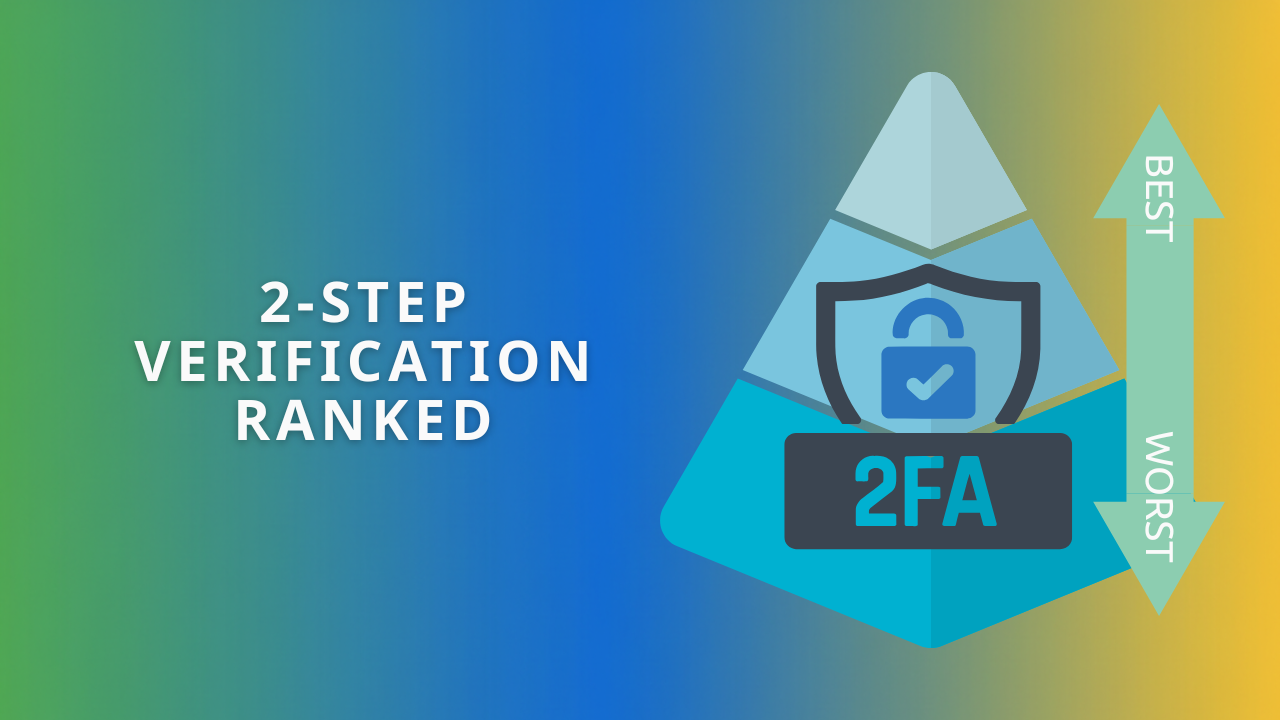
Is Your Business Security Wide Open? Every Type of 2-Step Verification Ranked (Worst to Best)
Not all Two Step Verification is equal: SMS codes can be intercepted, while Passkeys are effectively phishing-proof. We rank every method from worst to best so you can see where your business sits and move your team to stronger protection this week.

What should you do with a Google Workspace account when a team member leaves?
Deleting a leaver's Google Workspace account destroys emails and files you may legally need later. Archive it instead for £5 a month and Google Vault keeps everything searchable for compliance. Here is what to do, step by step, when a team member leaves.

Here is why you should use Google Voice for your business phone system.
The key feature of Google Voice is that there are no contracts; you pay for what you use from the service each month, and you can cancel at any time. Google Voice offers three service levels, each adding more features.

Is Google Workspace Really Better Than Microsoft 365? (A New Report Says Yes).
Picking your company's core productivity suite can feel like a toss-up. But what if it's not a 50/50 choice? An independent research firm, Hypothesis Group, just surveyed 1,600 users, and the results are strikingly clear.

Why Are My Business Emails Going to Spam? A Simple Google Workspace Fix.
SPF, DKIM, and DMARC are the three DNS records that prove your emails are genuine, and without them your invoices land in spam. This guide walks you through setting up all three in Google Workspace, with the exact records to copy and where to paste them.

Too many files to read? Get Google Drive to 'podcast' them for you.
You know that feeling. A team member pings you a massive PDF you should read, but you just don’t have time. Instead of letting it gather dust, what if you could just listen to it?

Why your first Google Workspace emails might end up in spam (and how to fix it)
New Google Workspace domains often land in spam because SPF, DKIM, and DMARC are not set up yet, so receiving servers cannot verify you. Configure these three records on day one and your messages arrive in real inboxes. This guide shows the fix, step by step.
What's the Best Way to Manage Team Tasks in Google Workspace?
Google Tasks turns Gmail, Chat, and Docs into one simple task system for your team. Convert emails into tasks, assign work where conversations already happen, and track everything without paying for a separate project management app. Here is how to set it up.
What's the Safest Way to Edit a PDF for Free?
Free online PDF editors often copy, mine, or leak whatever you upload, which makes them a poor choice for business documents. The safest free method is one you already have: convert the PDF to a Google Doc in Drive and edit it securely. Here is how.
How can my business get the most out of Google Gemini?
Many businesses only scratch the surface of what Google Gemini can do. This guide reveals the powerful, often-missed features like Workspace integration, Gems for recurring tasks, and creative tools that can turn Gemini into a true productivity partner for your team.

What's the Easiest Way to Make Videos for Work?
Google Vids makes video creation effortless. From blank page to polished video, AI handles scripts, footage, and voiceovers—so your team can share ideas faster.

Why this London property firm switched from Microsoft to Google Workspace.
A London property development firm ran on Microsoft Office and ageing on-premise servers until slow collaboration forced a rethink. See how the switch to Google Workspace with Kimbley IT went, what changed day to day, and what they would tell other firms considering the move.


How to access a securely shared Google Drive File.
You do not need a Google Account to open a securely shared Google Drive file. Click the emailed link, request a one-off verification code, and you are in. This guide walks you and your clients through each step so secure sharing never blocks anyone.
