Real IT answers for growing businesses.
Looking for blog posts that answer real IT questions?
Every post gives you clear, practical guidance — from solving everyday IT issues to getting more out of Google Workspace. Kimbley IT’s blogs are jargon-free, easy to follow, and written to help your team work smarter with technology.
How Do You Use Claude in Google Docs, Sheets and Slides?
If your team already uses Claude, you no longer need to copy and paste between tabs. The new Claude for Google Workspace add-on puts Claude in a sidebar inside Docs, Sheets and Slides. Here is how to install it, why the button may be greyed out, and six jobs to try first.
How Do You Turn a Spreadsheet Into a Simple App Without Coding?
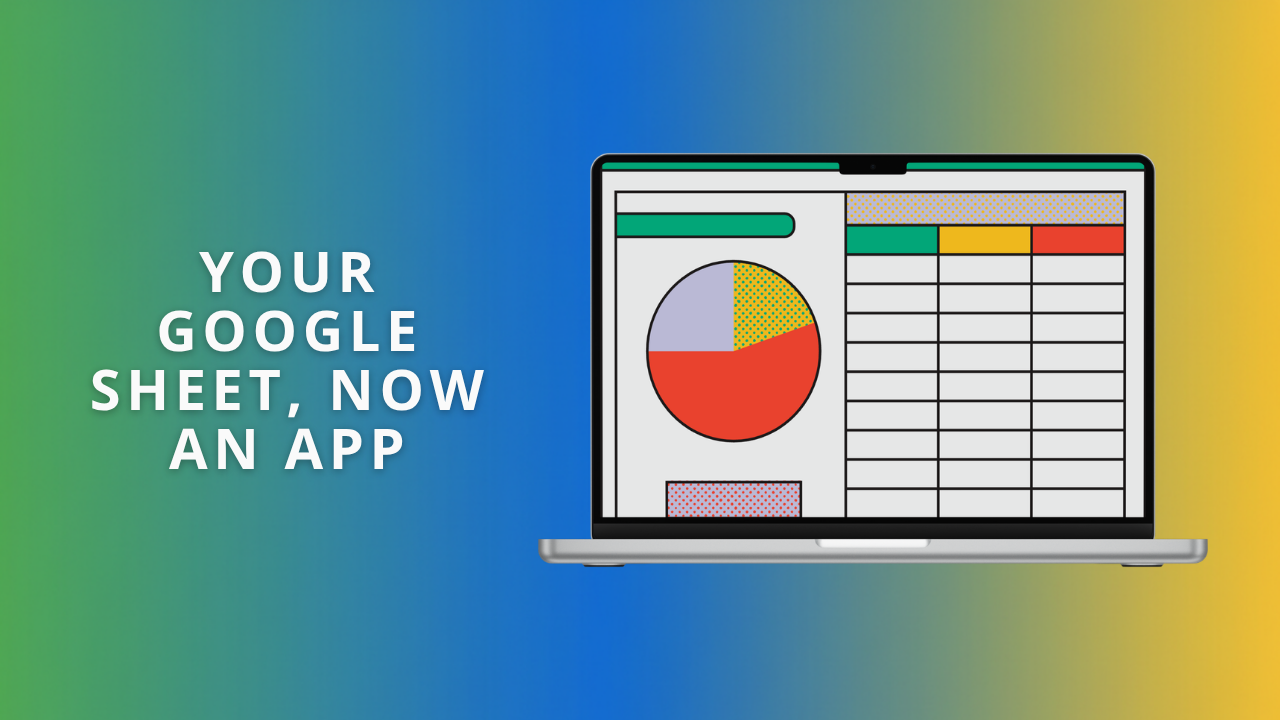
Your spreadsheet already holds everything you need, but it isn’t easy to read at a glance. Sheets canvas lets you describe a task board, a dashboard, or an event schedule in plain English, and Gemini builds it on top of your data. Here are six to try, with prompts to copy.
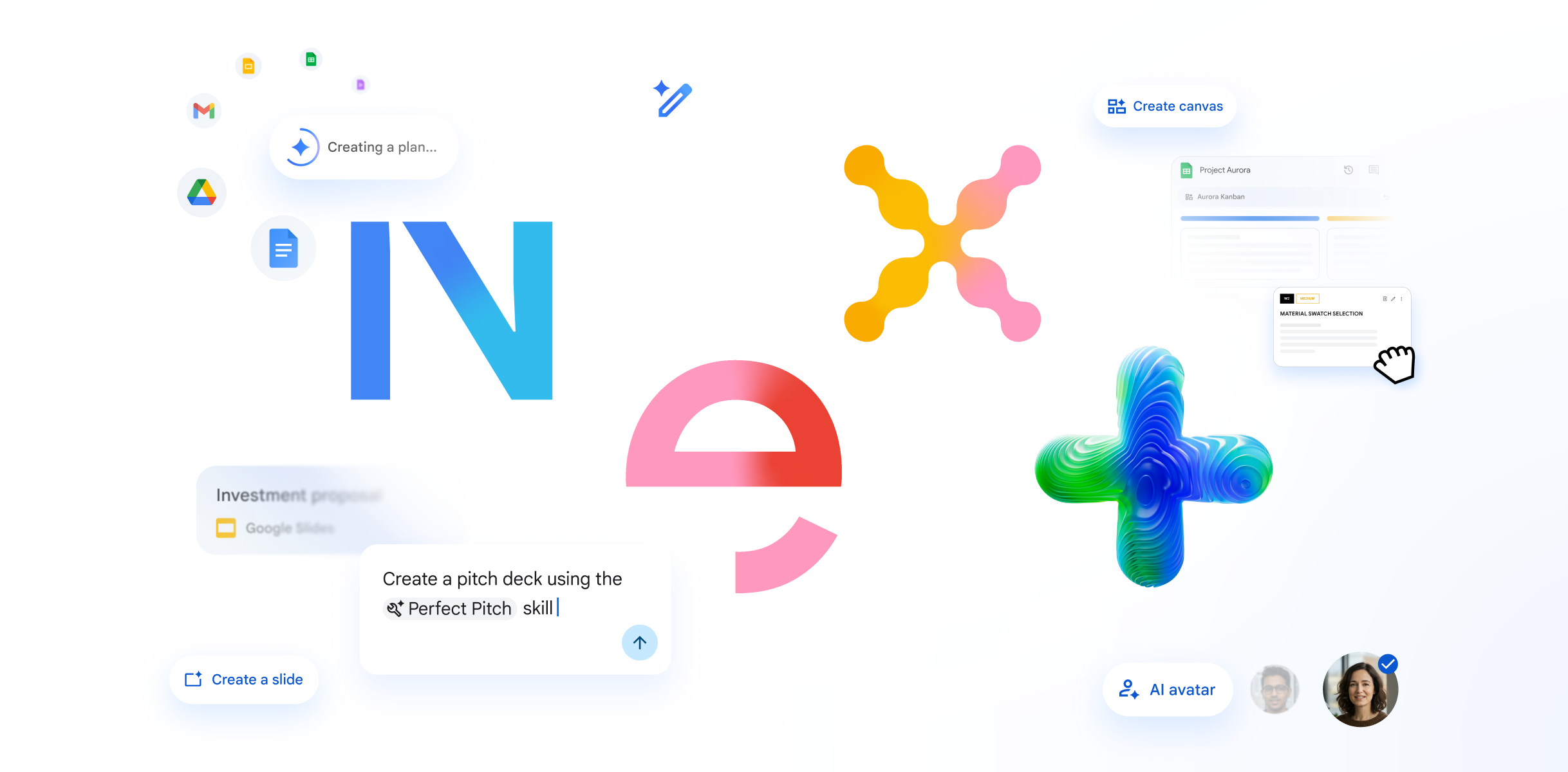
What Did Google Announce for Google Workspace Users at Cloud Next '26?
Google used Cloud Next '26 to announce Workspace Intelligence, Ask Gemini in Chat, and a wave of updates across Sheets, Meet, and Docs. Here is a plain-English rundown of what changes for Google Workspace users and what your business should do to get ready.
How do I quickly undo a mistake in a Google Doc or Sheet?
Version History in Google Docs and Sheets lets you rewind any file to an earlier point, so a broken formula or deleted paragraph is never a disaster. Learn the safe way to restore old work without overwriting your team's changes, and why you still need a proper backup.
How to Recover Accidentally Deleted Files in Google Drive.
Deleted files in Google Drive go to a Bin, and Shared Drives each have their own separate Bin, which is where most people get lost. You have 30 days to restore. Here is exactly where to look and how to bring accidentally deleted files back.