Real IT answers for growing businesses.
Looking for blog posts that answer real IT questions?
Every post gives you clear, practical guidance — from solving everyday IT issues to getting more out of Google Workspace. Kimbley IT’s blogs are jargon-free, easy to follow, and written to help your team work smarter with technology.
Do I Need a Compliance Footer on My Email?
A client asked whether they still needed the long confidentiality notice at the bottom of their email. The answer is the opposite of what most people assume. The block everyone copies carries no legal weight, and the company details underneath it are the part UK law actually demands.
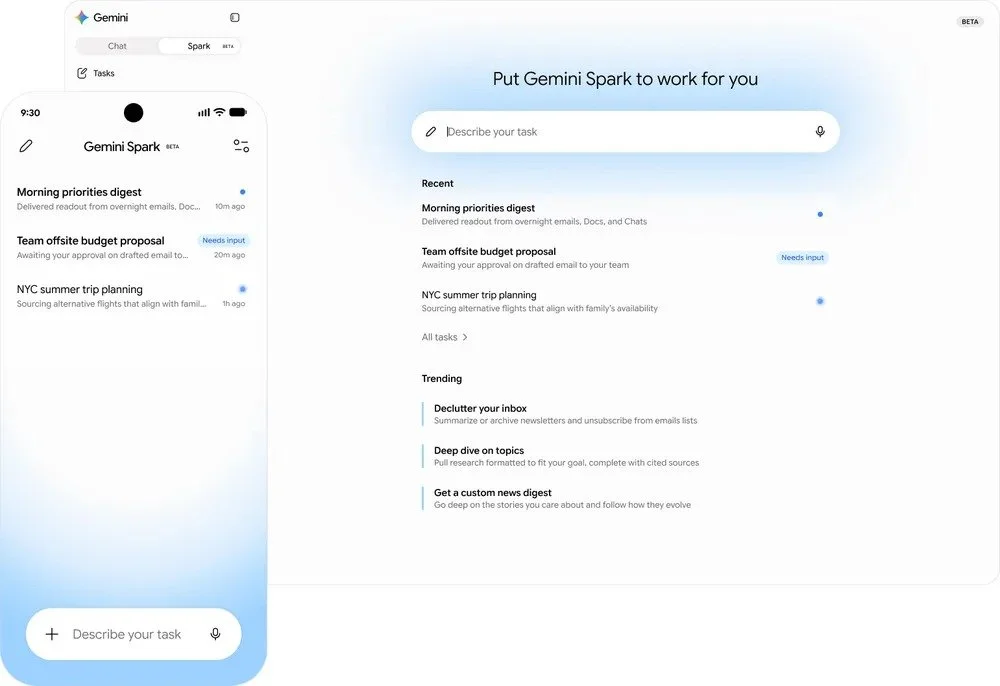
What Is Gemini Spark, and What Does It Mean for Google Workspace Users?
Google announced Gemini Spark at I/O 2026 on 19 May 2026: a personal AI agent that runs in the cloud and handles multi-step jobs across your Google Workspace, even when your laptop is shut. Here's what it does, when UK Google Workspace business customers get it, and how to get ready.
What Did Google Announce for Google Workspace Users at Cloud Next '26?
Google used Cloud Next '26 to announce Workspace Intelligence, Ask Gemini in Chat, and a wave of updates across Sheets, Meet, and Docs. Here is a plain-English rundown of what changes for Google Workspace users and what your business should do to get ready.

How to Use Gmail, Google Calendar and Google Drive Offline.
Gmail, Google Calendar, and Google Drive all keep working without an internet connection once you enable offline access in Chrome. Set it up before you travel and you can read email, check your schedule, and edit documents anywhere. Here is how, app by app.
What is the best way to standardise email signatures in Google Workspace?
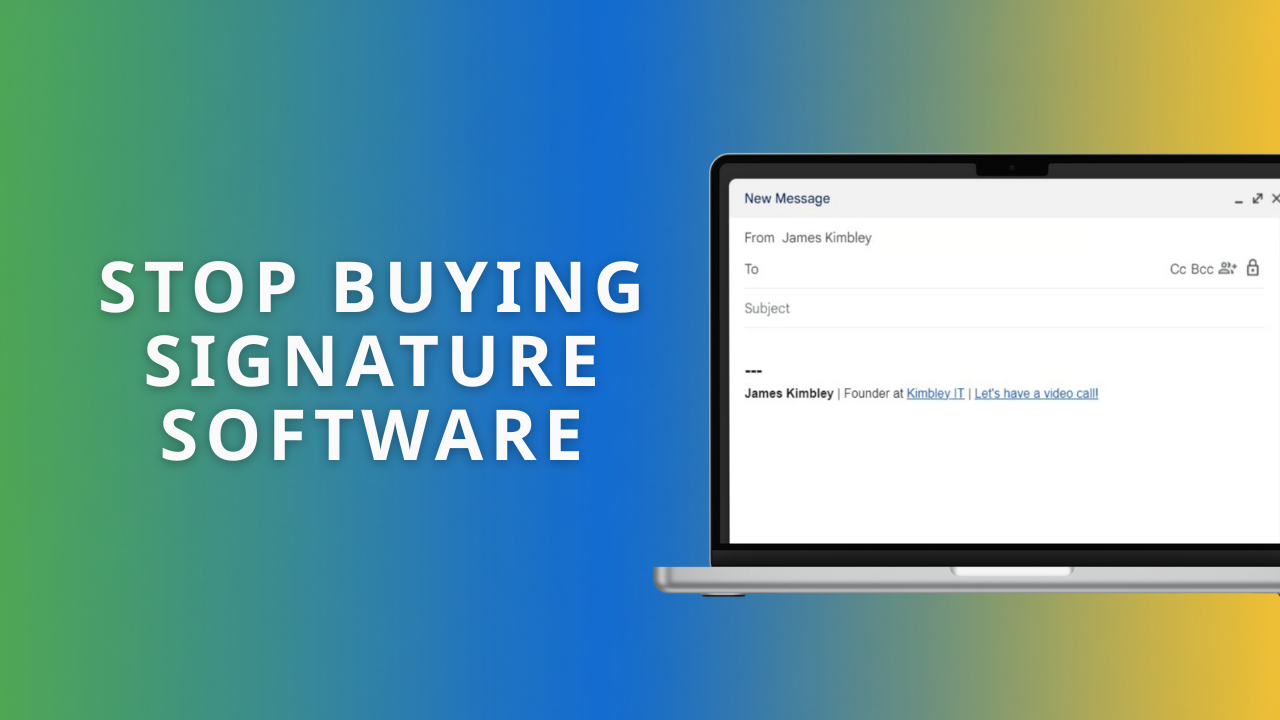
Most business owners try to force email signatures using the "Append Footer" setting or expensive software. Both are wrong. Here is the zero-cost, secure method to get your whole team looking professional without the technical headaches.

Why Are My Business Emails Going to Spam? A Simple Google Workspace Fix.
SPF, DKIM, and DMARC are the three DNS records that prove your emails are genuine, and without them your invoices land in spam. This guide walks you through setting up all three in Google Workspace, with the exact records to copy and where to paste them.

Why your first Google Workspace emails might end up in spam (and how to fix it)
New Google Workspace domains often land in spam because SPF, DKIM, and DMARC are not set up yet, so receiving servers cannot verify you. Configure these three records on day one and your messages arrive in real inboxes. This guide shows the fix, step by step.
What's the Best Way to Manage Team Tasks in Google Workspace?
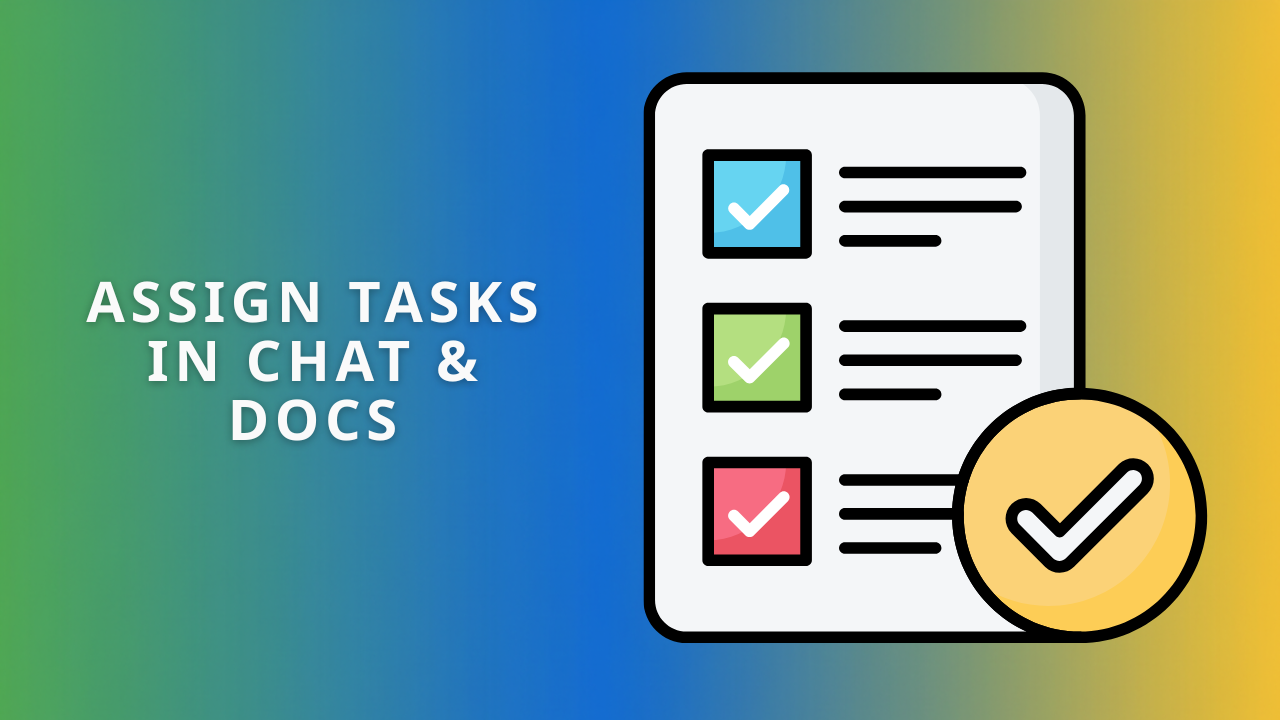
Google Tasks turns Gmail, Chat, and Docs into one simple task system for your team. Convert emails into tasks, assign work where conversations already happen, and track everything without paying for a separate project management app. Here is how to set it up.